Colt Kirwan's Creative Video Workflow: From Idea to Post-Production, Including Gear and Editing Tips
Colt Kirwan outlines his process for crafting creative YouTube videos, from idea generation to post-production, emphasizing unique storytelling, appealing packaging, and efficient editing. He captures initial ideas via iPhone voice recordings and scripts them in Notion. He stresses the "creative edge" - adding distinct elements like a Lego lightsaber for unboxing or unique characters like "Dora the New Yorker" and "Oscar the Grouch" to make content stand out. His "Lunchbox Theory" highlights the importance of compelling thumbnails and titles ("the lunchbox") to attract viewers, which must be backed by high-quality content ("the delicious sandwich") to build trust. For filming, while he uses high-end gear like the Sony A7S3, specific lenses, and a dual audio setup, he views them as conveniences, not necessities. He also discusses overcoming filming anxiety by having a friend assist. In post-production, meticulous footage organization and impactful music selection are crucial. He significantly speeds up editing in Premiere Pro with custom keyboard shortcuts for mark in/out, zoom, ripple edits, and cutting, keeping essential tools within reach of his left hand.
The Evolution of Video Creation [0:08]
Colt Kirwan reflects on his journey in video creation, starting with his first YouTube vlog in 2016. He emphasizes that he began with no prior knowledge and progressively acquired new skills with each video. This video aims to share lessons learned and save viewers time by offering actionable tips.

Cultivating and Refining Ideas [0:41]
Colt details his process for capturing and developing video ideas.

- Idea Generation and Capture [0:41]
- Ideas can range from fully fleshed-out concepts to small inspirations.
- They often strike at random times, necessitating quick capture to prevent forgetting.
- Rapid Voice Recording: An iPhone shortcut quickly starts a voice recording, serving as the fastest way to get ideas out of his head.
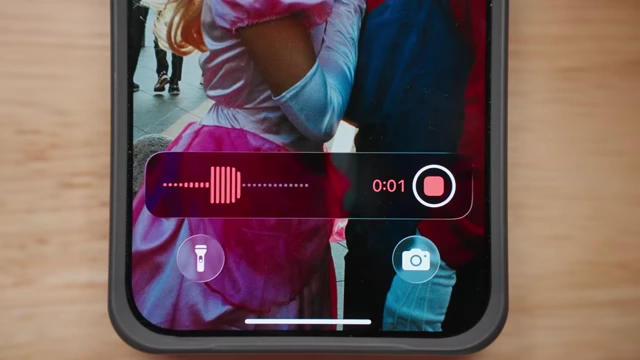
An iPhone displaying a voice recording in progress, illustrating quick idea capture. [ 00:01:01 ] - Structured Scripting in Notion: Notion is used to track and script out ideas, which helps maintain structure, especially for those who struggle with freestyling on camera.
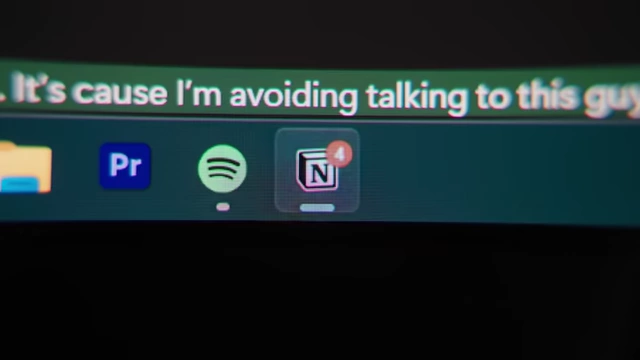
The Notion icon on a desktop, indicating its use for scripting video ideas. [ 00:01:11 ]
- Scripts are loosely followed, acting as a guide rather than a rigid dialogue.
- The "Creative Edge" [1:32]
- Colt strives to make his videos stand out by adding an "extra 10%" of creative effort.
- This extra effort makes the production more challenging but enhances audience appreciation and motivates him.
- Transforming Common Concepts: While his topics are often proven concepts (e.g., camera bag reviews, vlogs), the "creative edge" transforms them into distinct "Colt videos."
- Examples of Creative Edges:
- Mario Kart Video: Painstakingly unboxing with a Lego lightsaber instead of a knife [2:36].
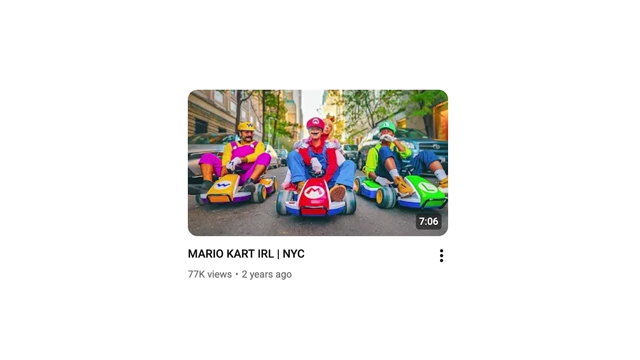
The thumbnail for "MARIO KART IRL | NYC", an example of a video with a "creative edge". [ 00:02:28 ] 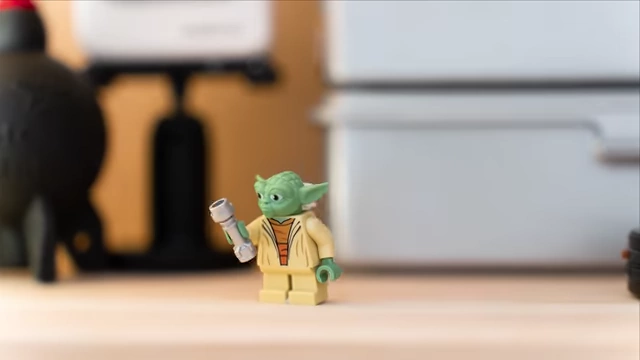
A Lego Yoda holding a lightsaber, representing the "Lego lightsaber" creative edge. [ 00:02:41 ] 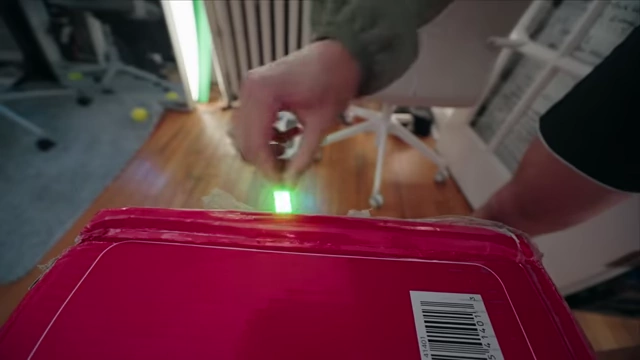
A Lego lightsaber meticulously cutting tape to open a box, demonstrating a unique creative effort. [ 00:02:46 ] - Camera Tutorial: Introducing "Boots" (a magical pair of boots) and "Dora the New Yorker" (a character) to make a technical tutorial more engaging [2:52].
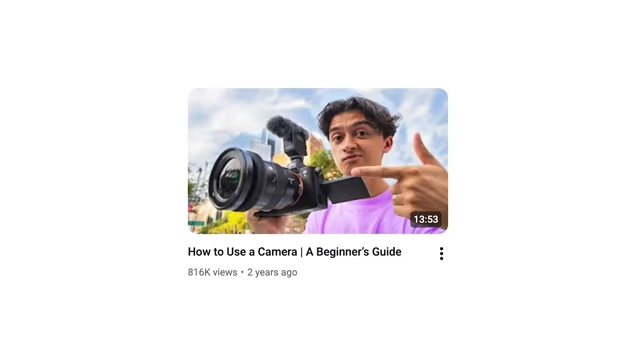
The thumbnail for "How To Use A Camera | A Beginner's Guide", featuring a character-driven tutorial. [ 00:02:53 ] 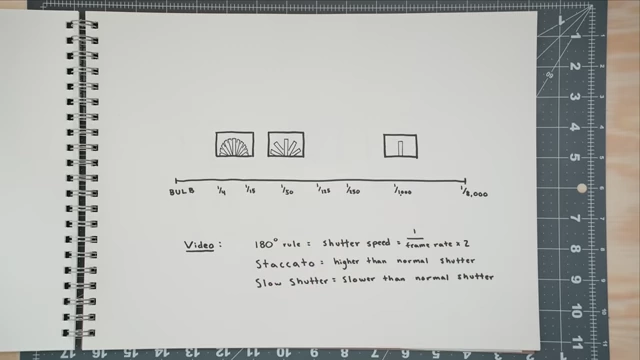
A hand-drawn diagram explaining shutter speed and its effect on video, illustrating a key camera concept. [ 00:02:55 ] 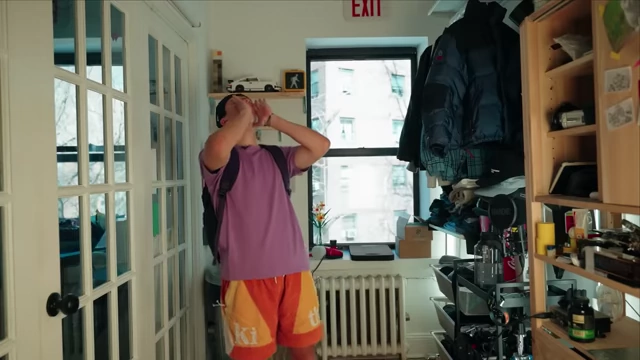
Colt dressed as "Dora the New Yorker," a character used to make a technical tutorial more engaging. [ 00:03:07 ] 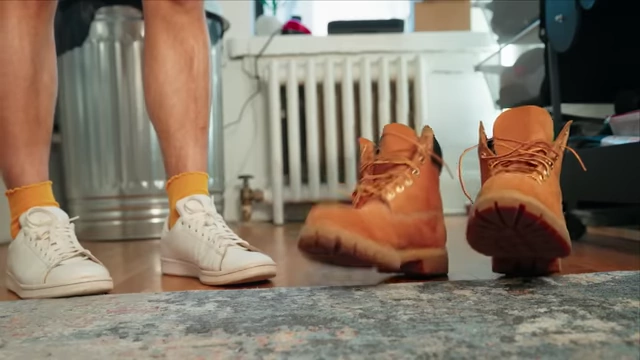
A pair of "magical boots" walking, representing "Boots" as a sidekick character. [ 00:03:09 ] - Recurring Characters: Incorporating "Oscar the Grouch" in multiple videos to break up regularity and "heighten reality" [3:21].
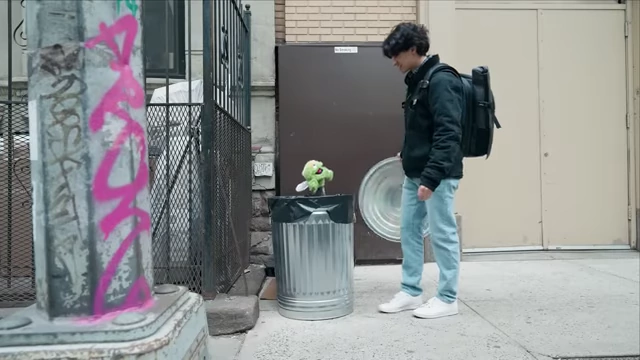
Oscar the Grouch emerging from a trash can, a recurring character adding a "creative edge" to videos. [ 00:03:25 ] - NYC Vlog: Including a complex chef recreation segment [3:33].
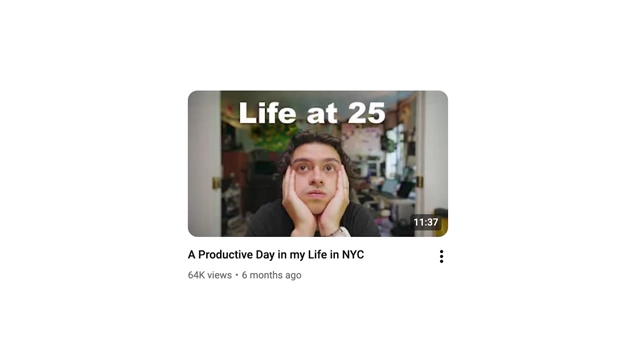
The thumbnail for "A Productive Day in my Life in NYC", which includes a complex chef recreation. [ 00:03:35 ] 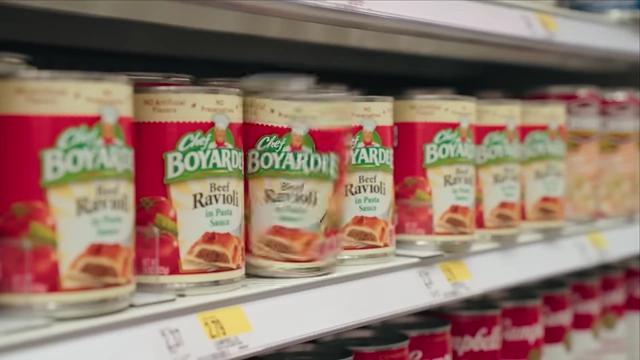
Cans of Chef Boyardee on a store shelf, part of an elaborate "chef recreation" segment. [ 00:03:38 ] - Other Examples: Minecraft portals, Yoda, Lego stop-motion, and his new buddy Pip [3:46].
A visual effect of a Minecraft portal, one of the creative elements incorporated into his videos. [ 00:03:47 ] 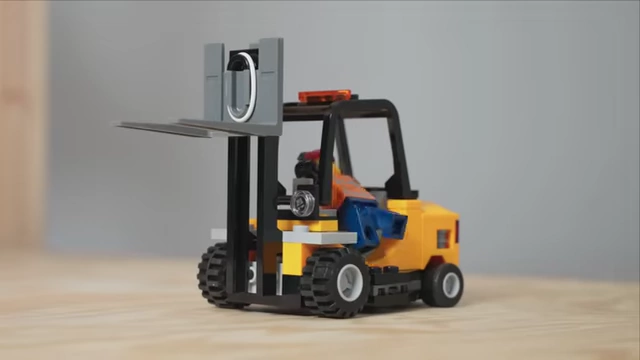
A Lego stop-motion forklift, an example of "Lego stop-motion" as a creative edge. [ 00:03:49 ] 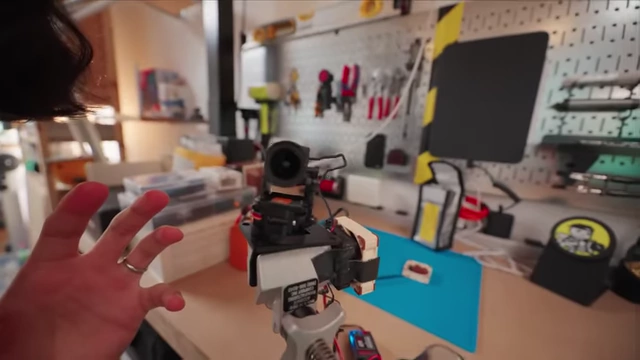
"Pip," a robotic arm, introduced as a new buddy and creative element. [ 00:03:51 ]
- Mario Kart Video: Painstakingly unboxing with a Lego lightsaber instead of a knife [2:36].
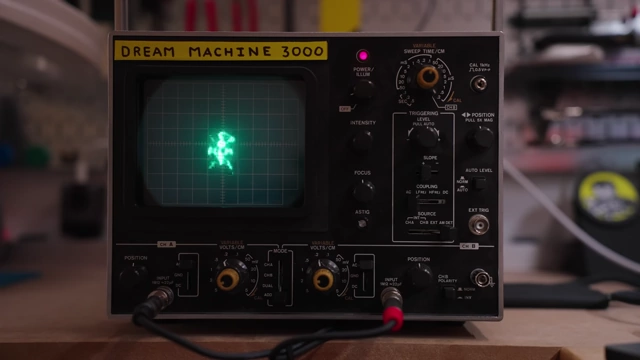
- "Dream Machine 3000": The creative edge for this video, conceptualized as a device that analyzes creative effort [2:09].
- Purpose: This creative infusion adds soul to the video, providing a sense of ownership and distinctiveness to his content.
The "Lunchbox Theory": Packaging Your Content [4:20]
Colt introduces his "Lunchbox Theory" to explain the critical role of thumbnails and titles.
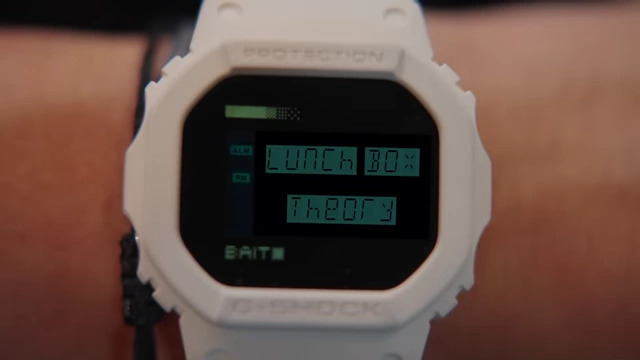
- The Metaphor:
- The Sandwich (Content): Most videos start as a basic "sandwich" (a beginning, middle, and end) that gets the job done but doesn't necessarily leave viewers wanting more.
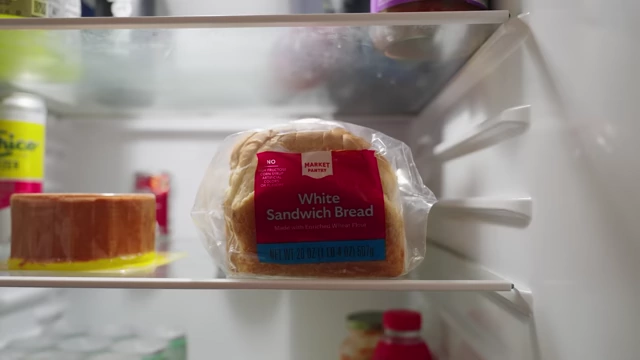
A package of white sandwich bread, representing basic video content in the "Lunchbox Theory." [ 00:04:28 ] 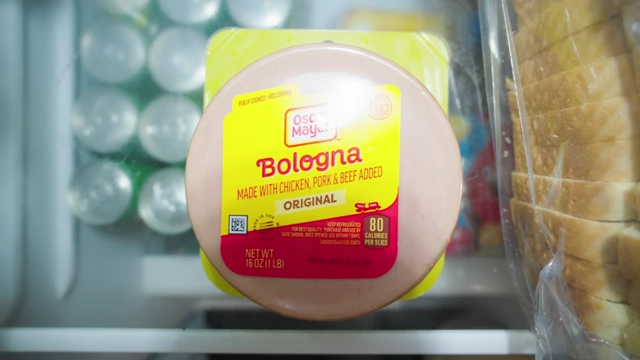
A package of Oscar Mayer Bologna, symbolizing mundane video content. [ 00:04:29 ] 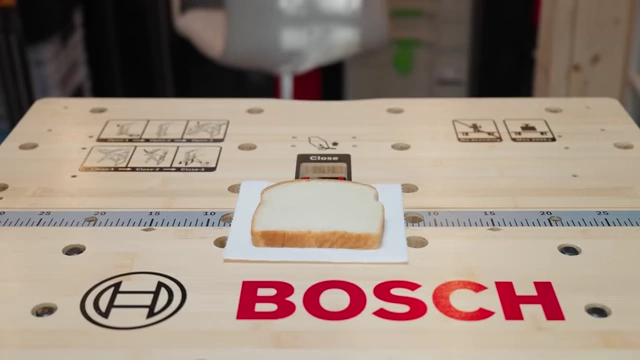
A single slice of white bread, illustrating the "basic sandwich" metaphor. [ 00:04:42 ] - The Lunchbox (Thumbnail & Title): The thumbnail and title are like the lunchbox itself. A plain brown paper bag doesn't excite, leading to disappointment if the "sandwich" inside is just bologna.
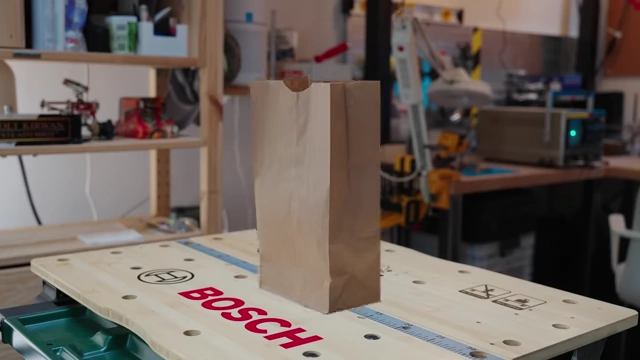
A plain brown paper bag, representing a unappealing thumbnail/title. [ 00:04:53 ]
- The Sandwich (Content): Most videos start as a basic "sandwich" (a beginning, middle, and end) that gets the job done but doesn't necessarily leave viewers wanting more.
- Attracting Viewers:
- Standing Out: An exciting "Scooby-Doo lunchbox" immediately catches attention and sparks curiosity, making viewers more likely to click.
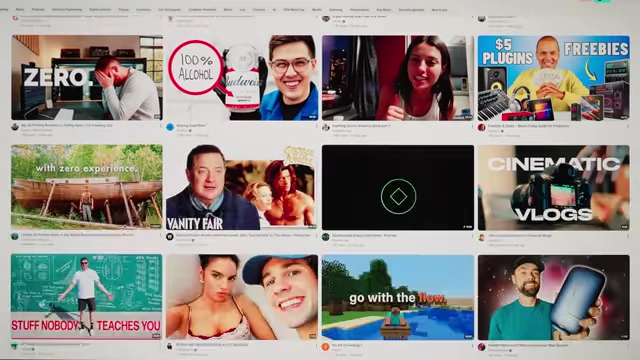
A crowded YouTube homepage showcasing various video thumbnails, highlighting the need to stand out. [ 00:05:01 ] 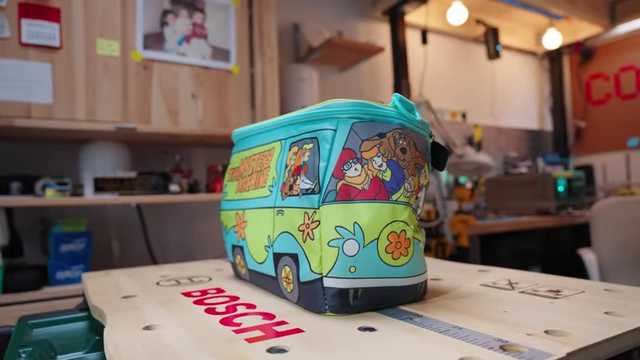
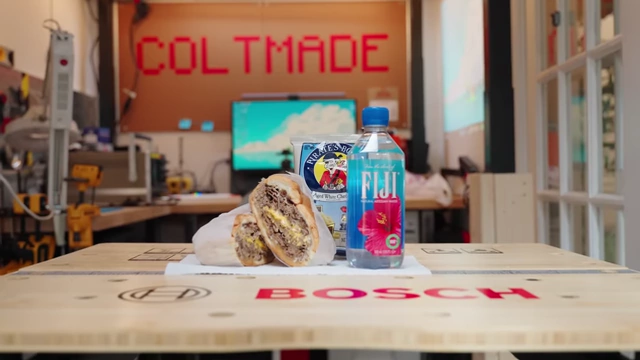
A vibrant Scooby-Doo lunchbox, symbolizing an eye-catching thumbnail/title. [ 00:05:21 ] - Building Trust: Delivering a "banging sandwich with pirate booty and Fiji water" after an appealing lunchbox builds trust, ensuring viewers anticipate a treat with future videos.
A custom Scooby-Doo lunchbox with a gourmet sandwich, Pirate's Booty, and Fiji water, illustrating the "Lunchbox Theory." [ 00:05:28 ]
- Standing Out: An exciting "Scooby-Doo lunchbox" immediately catches attention and sparks curiosity, making viewers more likely to click.
The Filming Process: Production Insights [5:52]
Colt shares his experiences and recommendations for the production phase of video creation. ![The oscilloscope displaying "[Act 2 - Production]," signaling the next phase of video creation.][109]
- Overcoming Filming Anxiety [5:57]
- Filming can be stressful, especially staring into a camera lens.
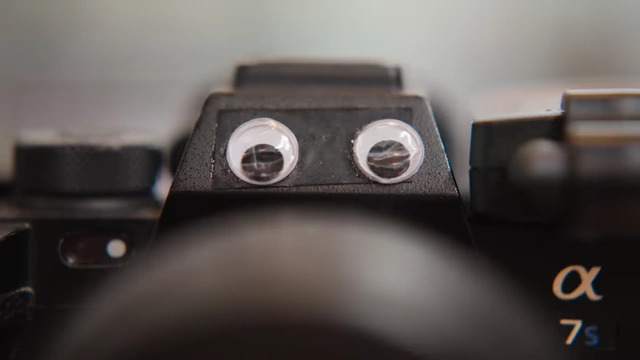
A camera with googly eyes, personifying the "black void of a lens" that causes filming anxiety. [ 00:06:24 ] - He admits to being awkward on camera but notes that practice improves performance.
- Editing allows for cutting out retakes and awkward moments, presenting a polished final version.
- Filming can be stressful, especially staring into a camera lens.
- Gear Philosophy and Essential Kit [7:09]
- Gear as Convenience: High-end gear is not necessary to start YouTube (he began with an iPhone 6S), but it's a convenience that enhances video quality if affordable.
- Core Camera Setup:
- Main Camera: Sony A7S3 [8:04] – His primary camera for 5-6 years, used for all YouTube and client work. He considers it "the best camera in the world."
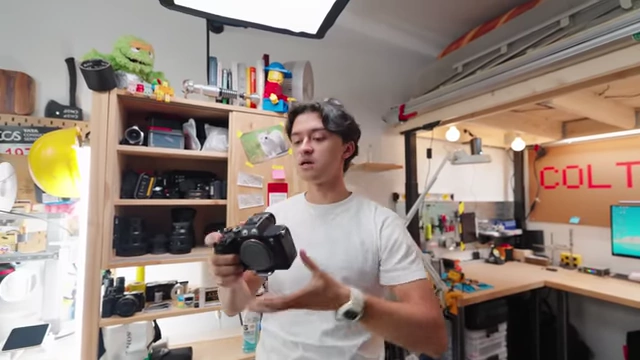
Colt holding his Sony A7S3 camera, his primary gear for YouTube and client work. [ 00:08:07 ] 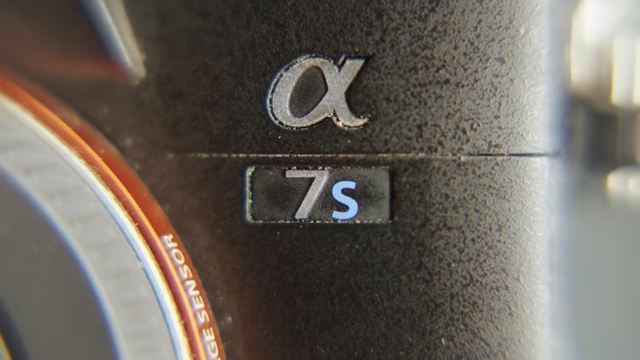
A close-up of the "α 7S" logo on the Sony A7S3 camera. [ 00:08:11 ] - Vlogging Lens: Sony 11mm f/1.8 [8:41] – Super wide for vlogging, despite being an APS-C lens on a full-frame body, which creates a slight vignette he chooses not to crop.
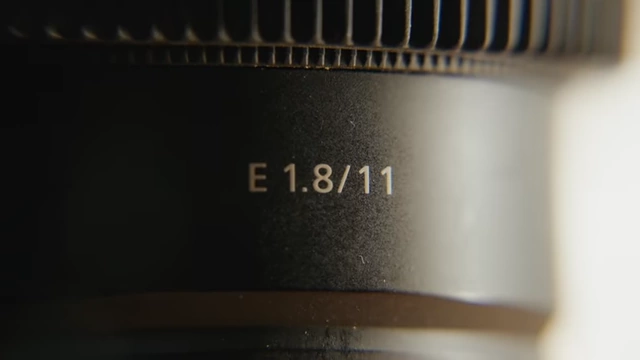
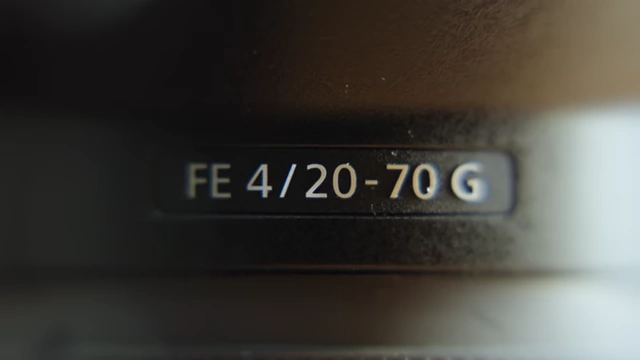
The Sony 11mm f/1.8 lens, Colt's super-wide vlogging lens. [ 00:08:42 ] - All-Purpose Lens: Sony 20-70mm f/4 [9:20] – A recent acquisition to replace a broken Sony 16-35mm GM1, offering a versatile focal range without the pressure of extreme shallow depth of field.
The Sony 20-70mm f/4 lens, used for versatile shooting without extreme shallow depth of field. [ 00:09:21 ]
- Main Camera: Sony A7S3 [8:04] – His primary camera for 5-6 years, used for all YouTube and client work. He considers it "the best camera in the world."
- Dual Audio Setup [9:47]
- On-Camera Shotgun Mic: Sony ECMB10 [9:51] – Reliable, wireless, easy-to-use microphone, often left on auto-level for hassle-free recording.
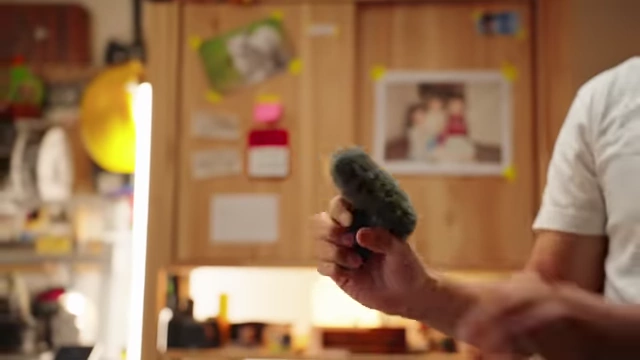
The Sony ECMB10 shotgun microphone, part of Colt's dual audio setup. [ 00:09:53 ] 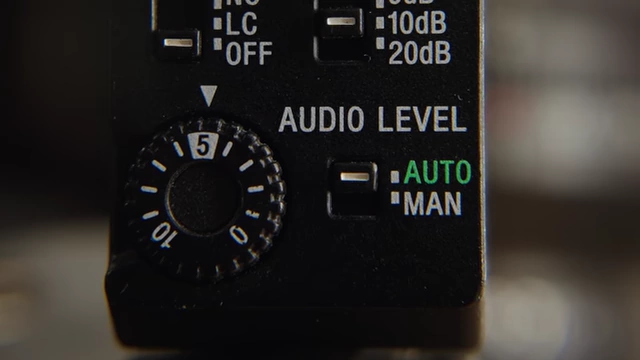
The audio level dial on the Sony ECMB10, set to "AUTO" for hassle-free recording. [ 00:10:00 ] - Lavalier Microphone: Tentacle Sync Track E with a Cost 11D lavalier [10:05] – Provides 32-bit float, no-clip audio recording with timecode, offering peace of mind and backup.
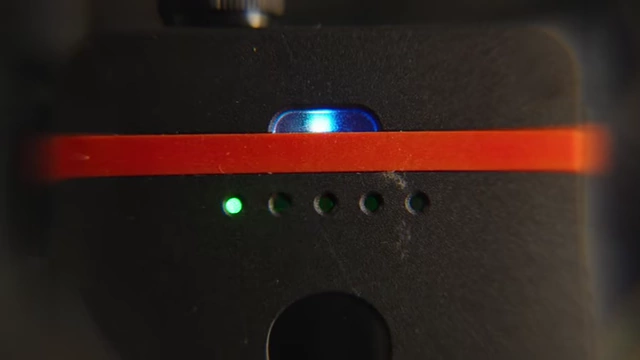
The Tentacle Sync Track E, showing its indicator lights for 32-bit float audio recording. [ 00:10:11 ] 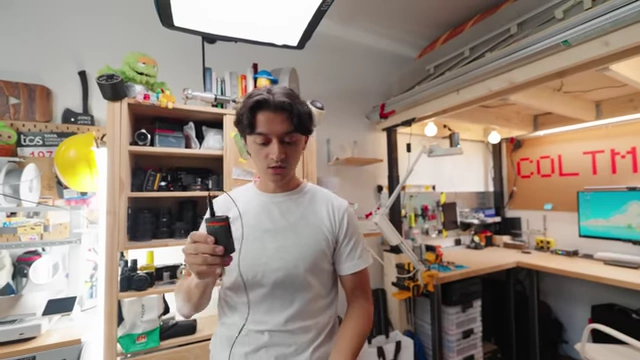
Colt holding the Tentacle Sync Track E with a lavalier microphone, for reliable backup audio. [ 00:10:29 ]
- On-Camera Shotgun Mic: Sony ECMB10 [9:51] – Reliable, wireless, easy-to-use microphone, often left on auto-level for hassle-free recording.
- Stable Tripod: Falcam Tree Routt Tripod [10:43] – A premium, stable tripod (around $400) recommended for protecting expensive camera gear, following a "buy once, cry once" philosophy for longevity.
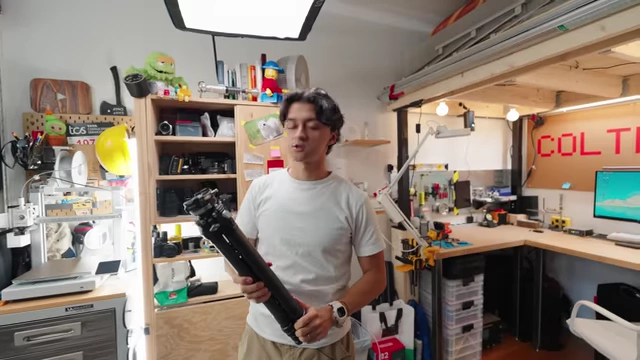
The Falcam Tree Routt tripod, recommended for stability and protecting expensive gear. [ 00:11:00 ]
- Asking for Help [11:13]
- Filming alone can be daunting and lead to self-doubt.
- Having a friend, like Tyson, assist with filming provides accountability and reduces the feeling of talking to oneself, making the process more enjoyable.
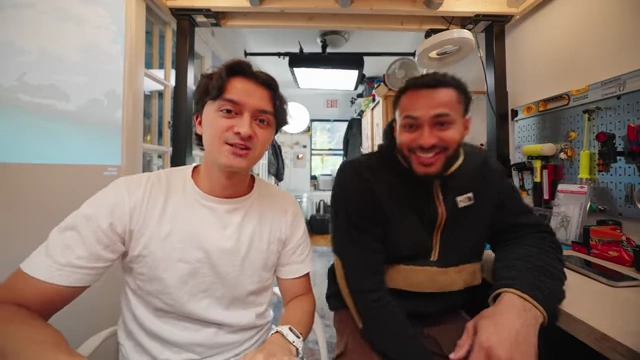
Colt Kirwan and his college friend Tyson, who assists with filming to alleviate anxiety and provide accountability. [ 00:11:36 ]
Post-Production Workflow [12:20]
Colt outlines his post-production process, focusing on organization, music, and efficient editing.
- Organizing Footage [12:20]
- Before editing, all footage is imported and meticulously organized.
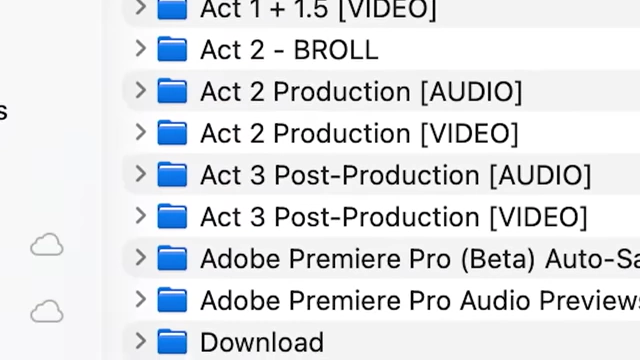
A file explorer showing meticulously organized project folders, crucial for post-production. [ 00:12:32 ] - This extra step, though tedious, ensures a smooth and efficient editing process later.
- Before editing, all footage is imported and meticulously organized.
- The Power of Music [12:44]
- Music is crucial for giving a project life, setting the tone, and conveying emotions.
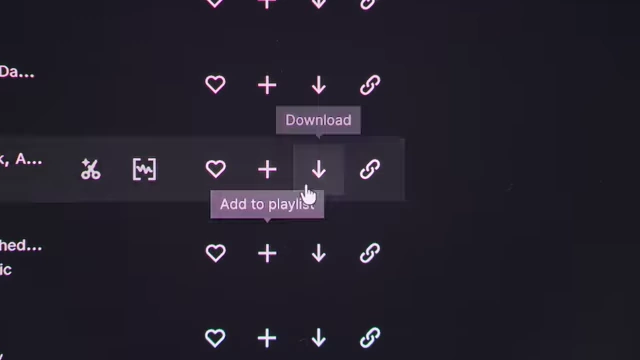
Epidemic Sound download options, showing the choice between full tracks and individual stems for music customization. [ 00:13:20 ] 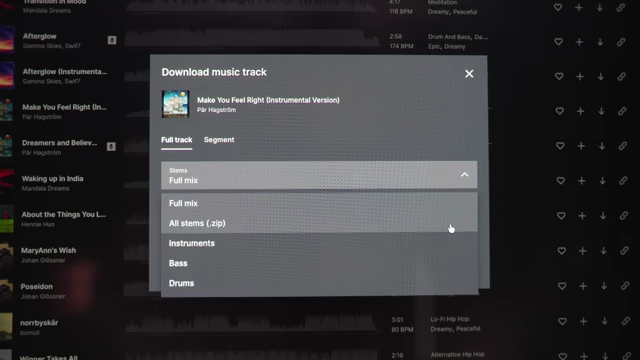
The Epidemic Sound interface showing the option to download individual stems (instruments, bass, drums) from a track. [ 00:13:27 ] 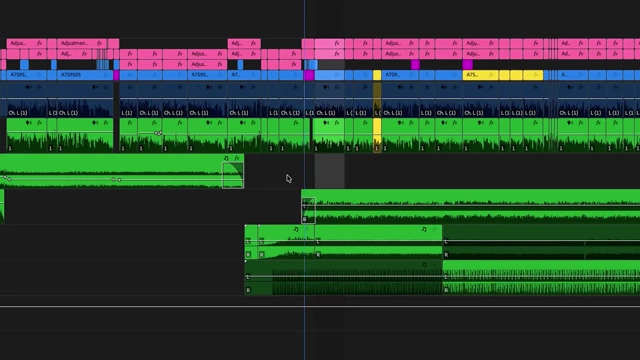
An Adobe Premiere Pro timeline displaying multiple audio and video tracks, demonstrating music integration. [ 00:13:31 ]
- Music is crucial for giving a project life, setting the tone, and conveying emotions.
- Speeding Up Editing with Keyboard Shortcuts [14:04]
- Customizing keyboard shortcuts is a "game-changer" for faster and more enjoyable editing.
- The goal is to keep essential tools accessible to the left hand, minimizing keyboard navigation.
- Custom Shortcuts for Adobe Premiere Pro:
- Mark In/Out Points:
1and2(replaces default left/right brackets) [14:32].![Customized keyboard shortcuts for "Mark In" [<a href="https://youtube.com/watch?v=139fDdXLf-g&t=1">1</a>] and "Mark Out" [<a href="https://youtube.com/watch?v=139fDdXLf-g&t=2">2</a>] in Adobe Premiere Pro.](https://storage.googleapis.com/summarizer-images/images/139fDdXLf-g/sc0191_t00.14.39.webp)
Customized keyboard shortcuts for "Mark In" [<a href="https://youtube.com/watch?v=139fDdXLf-g&t=1">1</a>] and "Mark Out" [<a href="https://youtube.com/watch?v=139fDdXLf-g&t=2">2</a>] in Adobe Premiere Pro. [ 00:14:39 ] 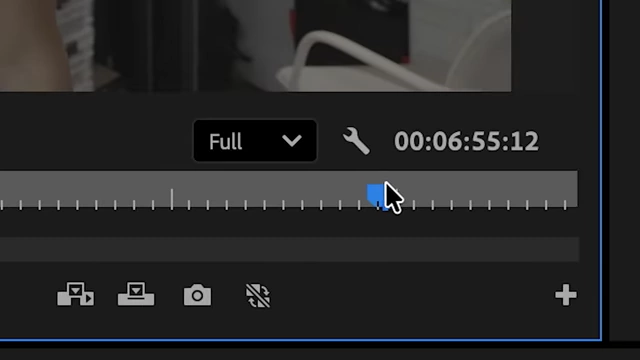
A Premiere Pro timeline segment being marked with custom "in" and "out" points. [ 00:14:45 ] - Zoom In/Out Timeline:
3and4(replaces default plus/minus keys) [14:49].![Customized keyboard shortcuts for "Zoom Out" [<a href="https://youtube.com/watch?v=139fDdXLf-g&t=3">3</a>] and "Zoom In" [<a href="https://youtube.com/watch?v=139fDdXLf-g&t=4">4</a>] on the editing timeline.](https://storage.googleapis.com/summarizer-images/images/139fDdXLf-g/sc0193_t00.14.54.webp)
Customized keyboard shortcuts for "Zoom Out" [<a href="https://youtube.com/watch?v=139fDdXLf-g&t=3">3</a>] and "Zoom In" [<a href="https://youtube.com/watch?v=139fDdXLf-g&t=4">4</a>] on the editing timeline. [ 00:14:54 ] - Ripple Edit Left/Right:
QandW(replaces manual cutting, selecting, deleting, and moving clips) [15:00].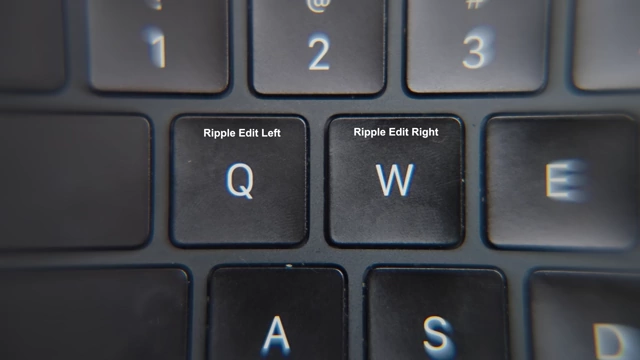
Customized keyboard shortcuts for "Ripple Edit Left" (Q) and "Ripple Edit Right" (W). [ 00:15:04 ] 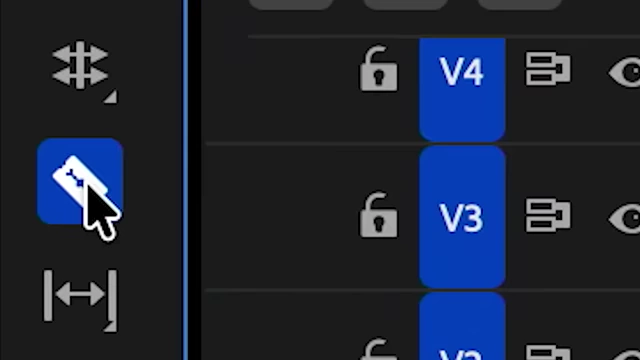
The razor tool icon in Premiere Pro, highlighting the manual cutting process replaced by ripple edit. [ 00:15:07 ] 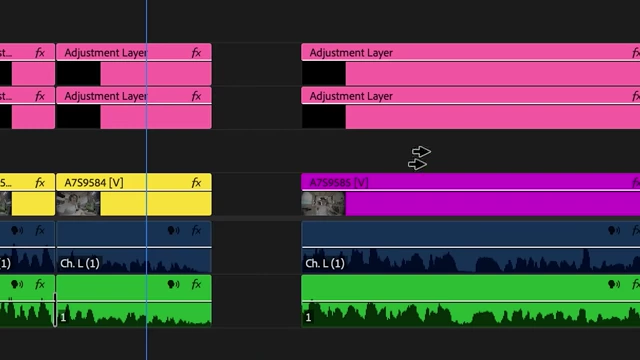
A Premiere Pro timeline showing the manual steps (cutting, deleting, moving) that ripple edit streamlines. [ 00:15:10 ] 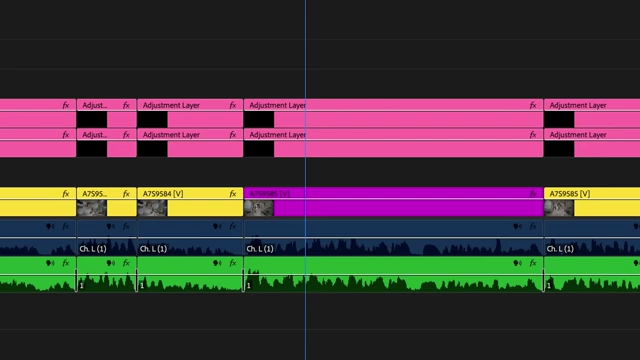
A Premiere Pro timeline demonstrating the efficient application of ripple edits. [ 00:15:13 ] - Ripple Delete:
E[15:14]. - Cut Tool:
R[15:16].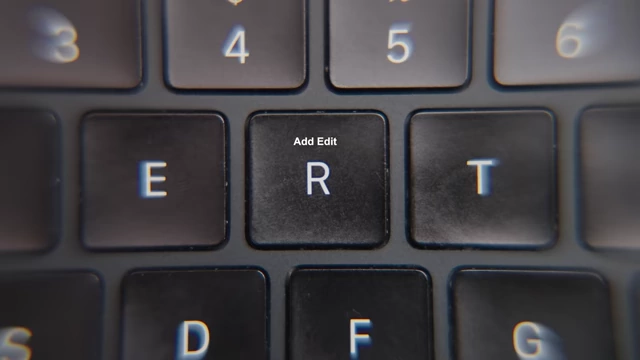
Customized keyboard shortcuts for "Ripple Delete" (E) and "Add Edit" (R, acting as cut tool). [ 00:15:16 ]
- Mark In/Out Points:
- These shortcuts allow for rapid, fluid editing, making the process feel much more intuitive and efficient.
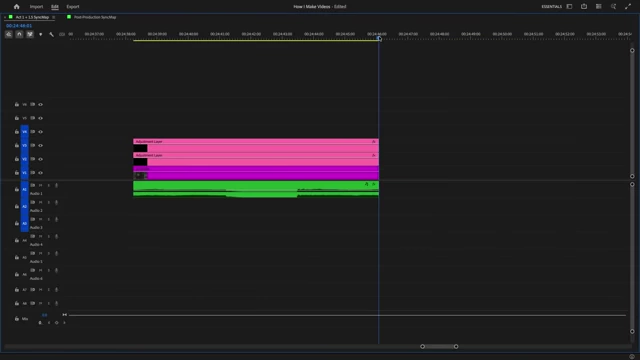
A complex Premiere Pro timeline with many adjustments, showing the result of an efficient editing workflow. [ 00:15:20 ]
Conclusion and Encouragement [15:44]
Colt summarizes the key takeaways: finding a baseline topic, adding a creative edge, packaging videos with compelling titles and thumbnails (the "Lunchbox Theory"), understanding gear as a convenience, and utilizing music and keyboard shortcuts for efficient post-production. He encourages viewers to apply these tips and start creating their own unique videos.