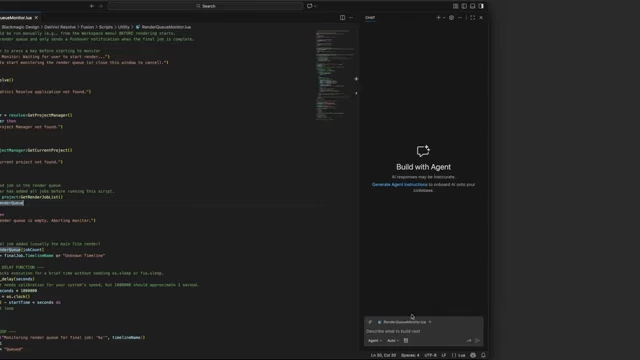
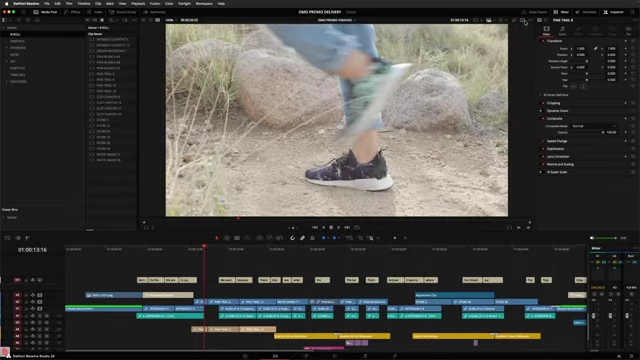
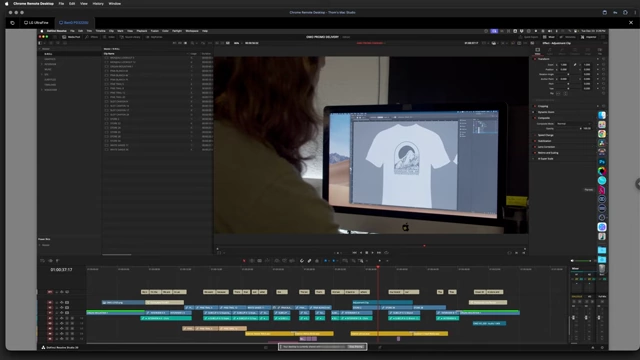
This video highlights 18 indispensable software tools and plugins that a 20-year editing veteran uses to streamline his DaVinci Resolve workflow, focusing on workflow optimization, problem-solving, and efficiency. Key tools cover secure media offloading, online video downloading, file management, system optimization, advanced audio and video repair, workflow automation, and remote editing solutions.
After 20 years as a full-time editor, the speaker shares his essential tools for improving workflow, fixing problems, and making his life easier in video editing, particularly with DaVinci Resolve. He clarifies that this is not a sponsored video.
Purpose: Securely copy footage from memory cards to multiple hard drives.
Functionality:
Automatically detects memory cards and allows copying to multiple hard drives for redundancy.
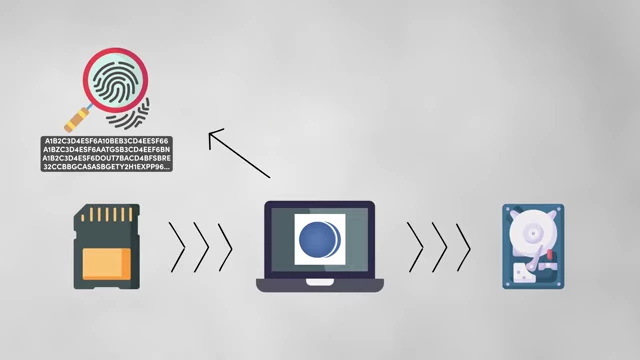
Performs a checksum function, acting like a "digital fingerprint," to verify the integrity of copied files and alerts the user if any discrepancy is found.
Shotput Pro performing a checksum verification by comparing digital fingerprints
[
00:01:00
]
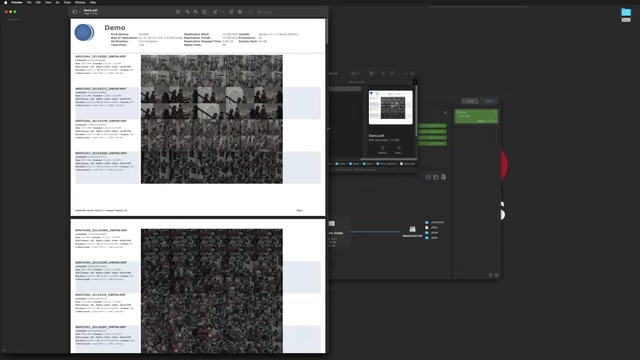
Generates a PDF report with clip thumbnails, serving as proof that all footage was correctly copied, which is crucial for professional accountability.
Shotput Pro generates a detailed PDF report with clip thumbnails
[
00:01:10
]
Comparison to DaVinci Resolve: While Resolve has a similar clone tool with checksum, Shotput Pro's detailed report is a key differentiator.
Purpose: Play virtually any video file, regardless of its format or corruption.
Key Feature:
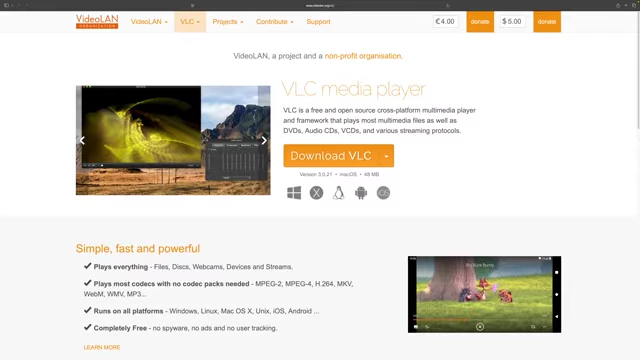
It's a free, open-source program that carries its own comprehensive set of video codecs (decoders).
Unlike QuickTime on Mac, which relies on macOS's built-in codecs, VLC doesn't need external system support to decode files, making it more versatile.
VLC Media Player website highlighting its ability to play everything and most codecs
[
00:03:10
]
Benefit: Resolves issues with unplayable, corrupted, or obscure video formats.
5. Versatile Video Converter: Shutter Encoder [03:54]
Purpose: Transcode video files between different formats, perform light editing, and additional functions.
Nature: Donationware (free to use, with optional donations).
Capabilities:
Converts unreadable video files into formats compatible with DaVinci Resolve.
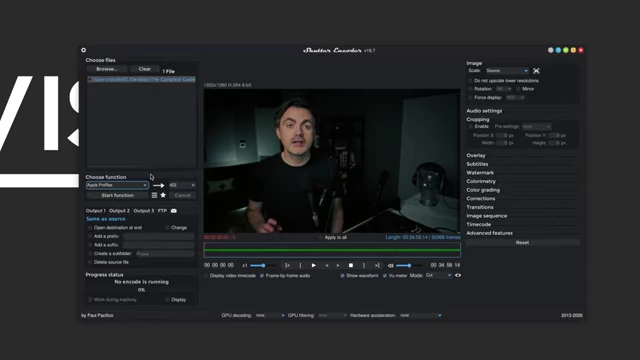
Can create audio files from videos, trim video clips (sometimes without re-encoding), crop footage, apply LUTs, and burn timecode/clip names into images for client drafts.
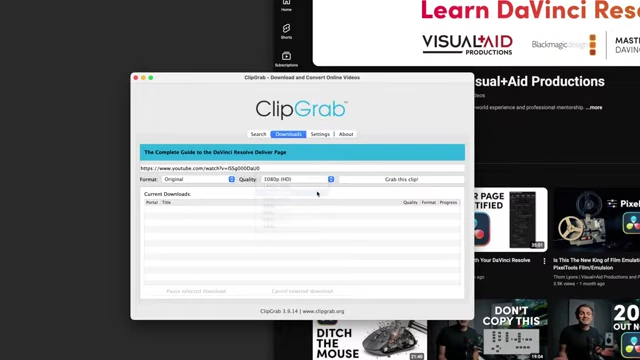
Includes a video downloader and a subtitle editor.
Shutter Encoder user interface showing various functions and a video preview
[
00:04:30
]
6. Mac Backup Solution: Carbon Copy Cloner [04:53]
Purpose: Create exact, bootable duplicates of hard drives for backup.
How it Works:
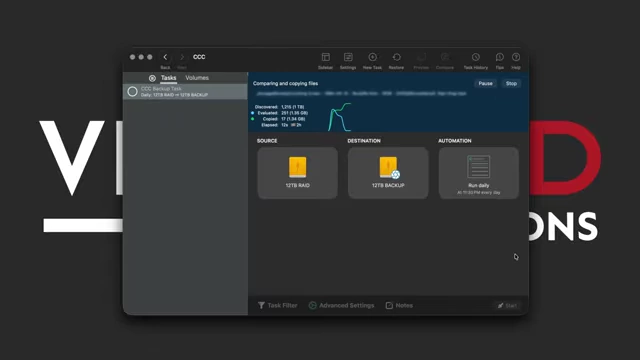
Selects a source drive (e.g., editing RAID) and a destination backup drive.
Compares the drives and copies only new or changed files, then verifies the copy.
Carbon Copy Cloner displaying source and destination drives for a backup task scheduled daily
[
00:05:30
]
Benefit: Provides an immediate backup ready to use if the main drive fails, minimizing downtime. The speaker schedules it to run nightly.
Purpose: Clean digital junk, remove malware, and optimize Mac performance.
Features:
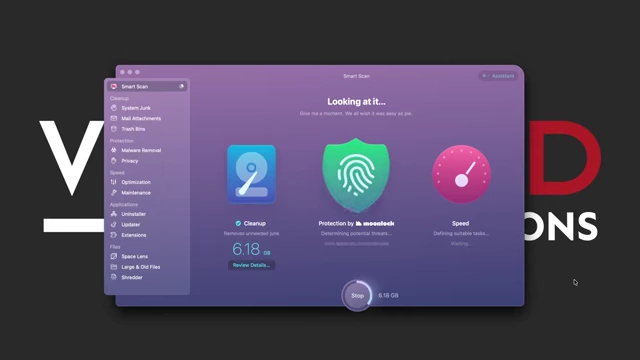
Smart Scan: Scans the system for old cache files, broken downloads, and app leftovers, and offers to clean them.
CleanMyMac running a Smart Scan to identify cleanup, protection, and speed optimizations
[
00:06:10
]
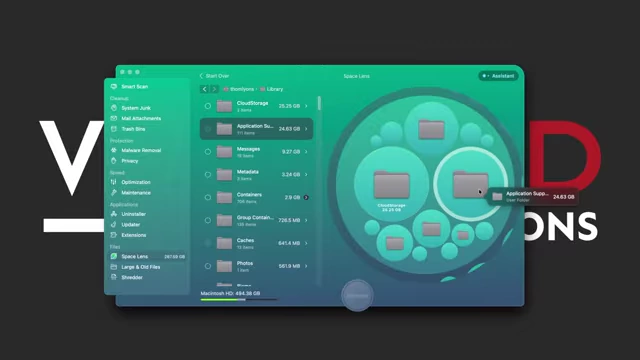
Space Lens: Visual map of hard drive space, displaying folders as bubbles by size, making it easy to spot large, forgotten files.
CleanMyMac's Space Lens feature visualizing disk usage with folders represented as bubbles
[
00:06:30
]
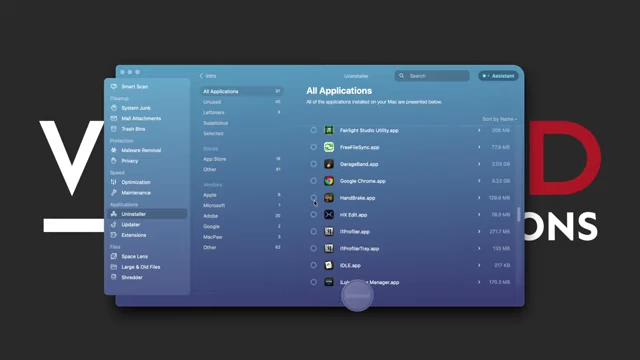
Uninstaller: Completely removes applications and all associated hidden files (preferences, launch agents, support folders), preventing wasted space.
CleanMyMac's Uninstaller showing a list of applications and options to remove all associated data
[
00:06:48
]
8. Audio Repair Plugin: iZotope RX Elements [06:52]
Purpose: Industry-standard toolset for fixing bad audio.
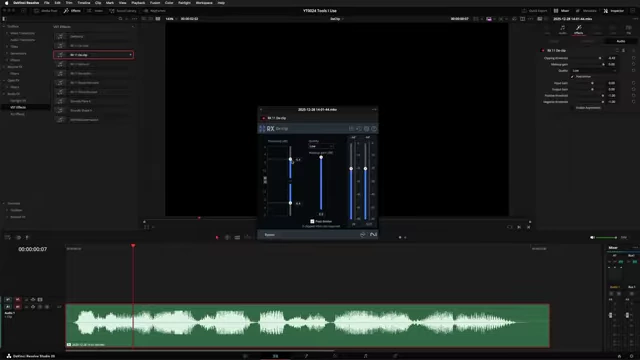
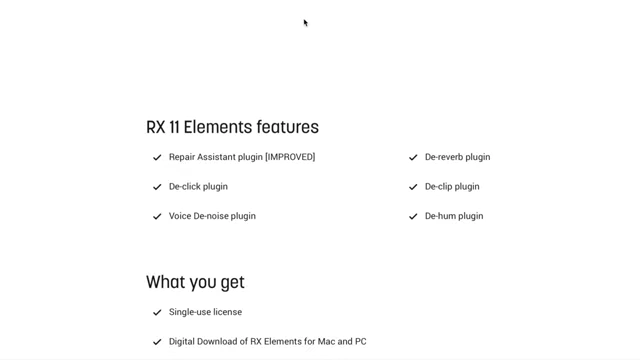
Key Tools in Elements Version: Repair Assistant, De-click, Voice De-noise, De-reverb, De-hum, and De-clip.
iZotope RX 11 Elements features list, including Repair Assistant, De-click, and De-clip
[
00:07:30
]
De-clip Function (most used):
Fixes audio that has "clipped" or "blown out" due to being too loud for the recording device, resulting in crunchy, distorted sound.
Uses advanced algorithms to reconstruct the "chopped off" peaks of the sound wave.
iZotope RX's De-clip interface demonstrating clipped audio repair by reconstructing sound wave peaks
[
00:07:50
]
9. Video Flicker Removal Plugin: Flicker Free [07:59]
Purpose: Remove flicker and strobing effects from video footage.
Common Causes of Flicker: LED lights, old fluorescent bulbs, or filming computer monitors.
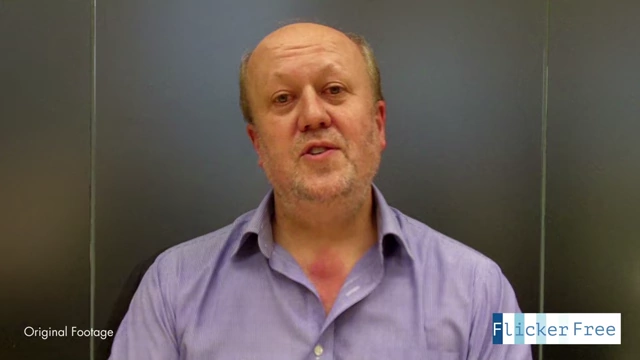
Original footage exhibiting severe flicker issues from inconsistent lighting
[
00:08:10
]
How it Works:
Drag the effect onto a clip and choose a preset based on the flicker source.
Analyzes the brightness of each frame and smooths out inconsistent changes.
Comparison to DaVinci Resolve's built-in tool: Flicker Free uses a different calculation method, often succeeding where Resolve's native deflicker effect struggles, making it a "break glass in case of emergency" tool.
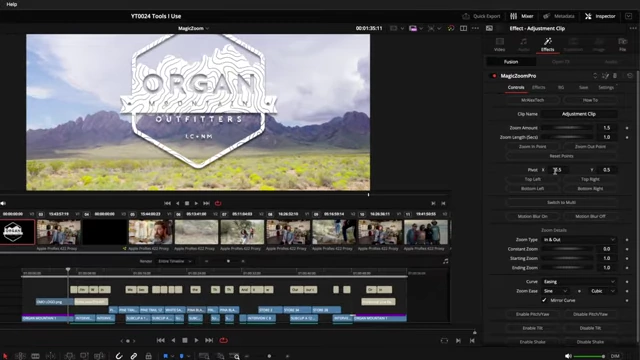
Purpose: Create smooth, customizable zoom-in and zoom-out effects for tutorial videos, especially on UI elements.
Workflow Trick: Apply the effect to an adjustment clip on a separate layer above the main footage in the timeline.
Benefits:
Decouples zoom animations from cuts or speed changes in the underlying footage.
Quickly duplicate and reuse zoom animations.
Stretch or shrink the adjustment clip to adjust animation duration, with automatic animation fitting.
DaVinci Resolve timeline demonstrating MagicZoom applied to an adjustment clip with zoom controls in the inspector
[
00:13:39
]
Significantly faster than manual keyframing and graph adjustments in Resolve's inspector.
17. Enhanced Cursor Visibility: Cursor Pro [14:21]
Purpose: Improve mouse pointer visibility for teaching and presentations.
Features:
Adds a customizable glowing ring around the cursor.
Includes a hotkey-activated digital magnifying glass feature to instantly zoom in on specific screen areas.
Cursor Pro showing a glowing green ring around the mouse cursor and a temporary zoomed area
[
00:14:39
]
Distinction from macOS Accessibility: Designed for the audience to follow the mouse, unlike macOS features that help the user find their own pointer.
18. Industry Compatibility: Adobe Creative Cloud [14:58]
Purpose: Maintain compatibility with clients and freelancers who use Adobe software.
Included Applications: Premiere Pro, After Effects, Photoshop, Illustrator, and others.
Reason for Retention:
Clients often send projects or assets created in Premiere Pro or After Effects, requiring the software to open, check, or export them.
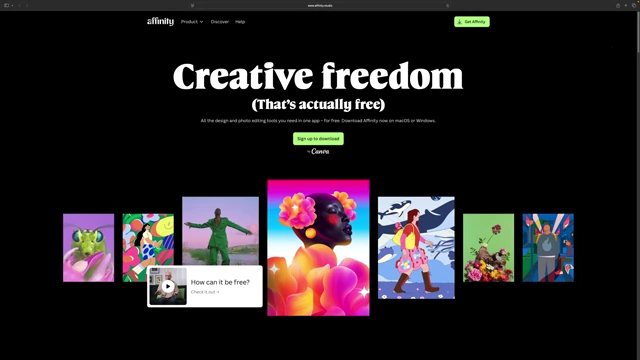
The "bundle trap": Since the subscription is necessary for Premiere Pro and After Effects compatibility, Photoshop and Illustrator are essentially "free" within the package, reducing motivation to switch to alternatives like Affinity, despite its free core design tools.
Affinity software website promoting its free creative design tools as an alternative to Adobe
[
00:15:42
]