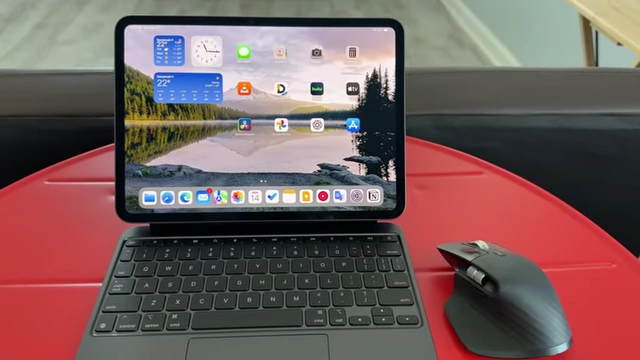
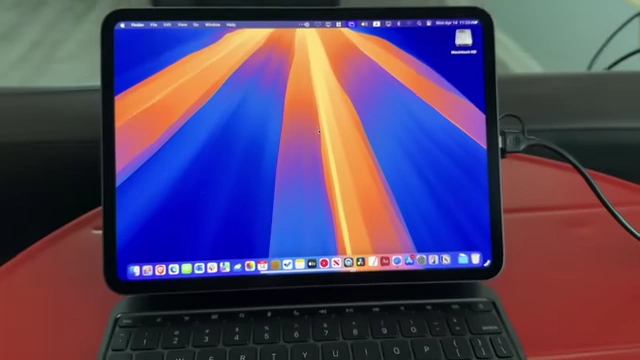
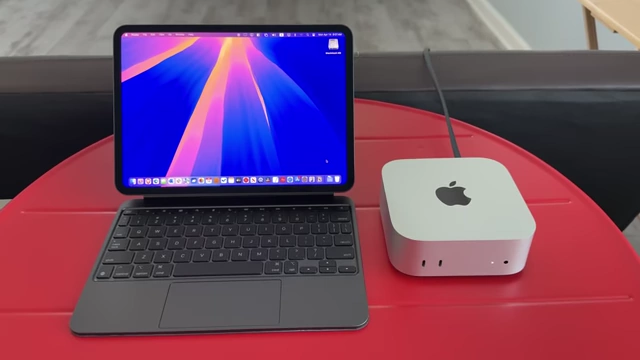
The presenter chose an M4 iPad Pro and a base model M4 Mac Mini for his home desk setup, favoring it over a MacBook for portability and specific functionality. This combination provides a superior display, extreme portability, and leverages iPadOS for most tasks while using the Mac Mini via Sidecar or an HDMI capture card for macOS-exclusive functions.
The 11-inch M4 iPad Pro with Magic Keyboard alongside the M4 Mac Mini, illustrating the speaker's home computing setup.
[
00:00:00
]
The presenter shares his journey to finding a satisfying home computing setup, settling on a combination of an 11-inch M4 iPad Pro with a Magic Keyboard and a base model M4 Mac Mini without a dedicated monitor. This video aims to explain the rationale behind this choice instead of a more conventional MacBook.
The 11-inch M4 iPad Pro with Magic Keyboard alongside the M4 Mac Mini, illustrating the speaker's home computing setup.
[
00:00:00
]
Despite its advancements, iPadOS still has certain limitations. [00:04:11]
Inability to access and organize a full macOS Photos library. [00:04:18]
A macOS Finder window showing a Photos Library file with a size of 277.4 GB.
[
00:04:21
]
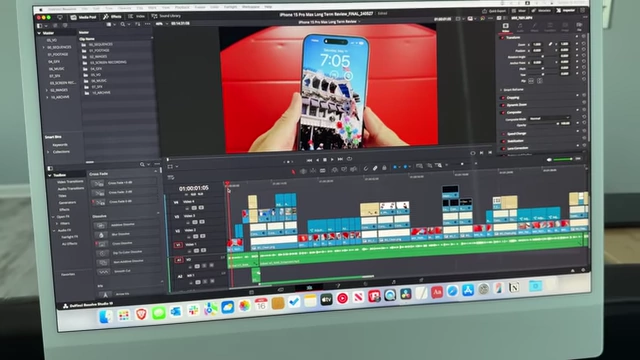
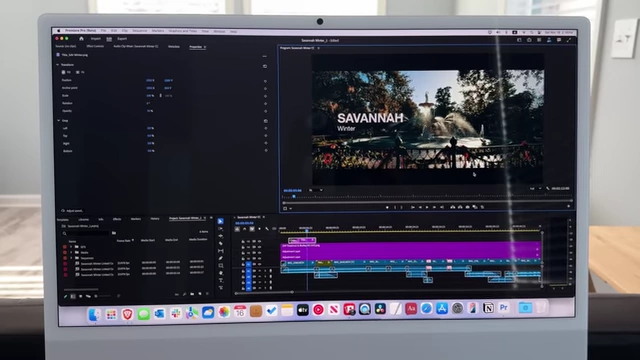
Lack of desktop-only professional software like Premiere Pro, After Effects, or the full desktop version of Final Cut Pro. [00:04:31]
Adobe Premiere Pro running on a laptop, showing a video editing project.
[
00:04:35
]
Final Cut Pro running on a MacBook Pro, displaying a video editing project with various clips.
[
00:04:39
]
Certain Chrome extensions are incompatible. [00:04:43]
Necessity of a Mac
Due to these occasional yet critical needs, keeping a Mac is still necessary. [00:04:50]
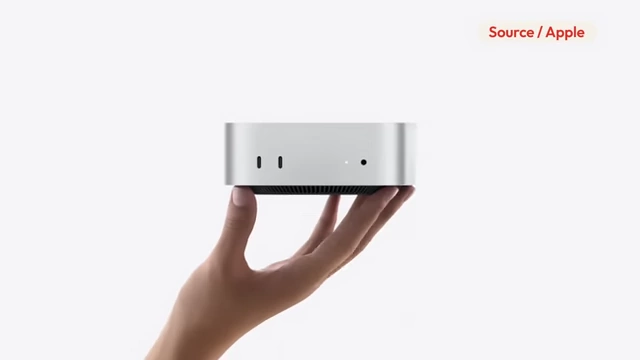
The base model M4 Mac Mini was chosen as a budget-friendly secondary machine specifically for these macOS-dependent tasks. [00:05:06]
An Apple marketing image showing a Mac Mini being held in a hand, emphasizing its compact size.
[
00:05:07
]
A screenshot of Apple's Mac Mini product page, with a red arrow pointing to the base model M4 Mac Mini (10-core CPU, 10-core GPU, 16GB Unified Memory, 256GB SSD Storage).
[
00:05:09
]
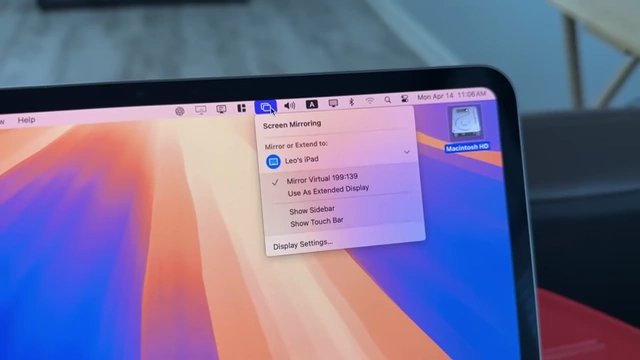
Apple's built-in feature for using an iPad as a secondary display, either wired or wirelessly. [00:05:30]
An Apple support page titled "Use an iPad as a second display for a Mac", showing an iPad mirroring a MacBook screen.
[
00:05:33
]
A macOS menu bar showing the Screen Mirroring icon dropdown, with "Leo's iPad" selected to "Use As Extended Display".
[
00:05:37
]
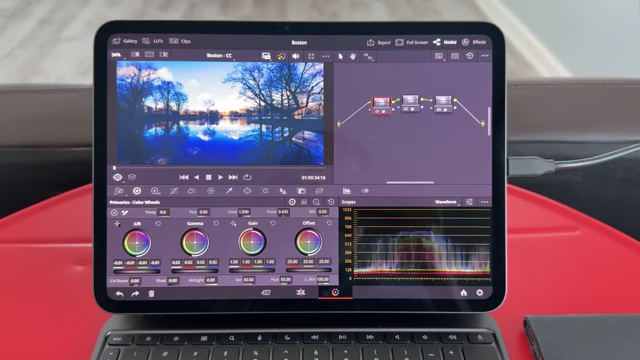
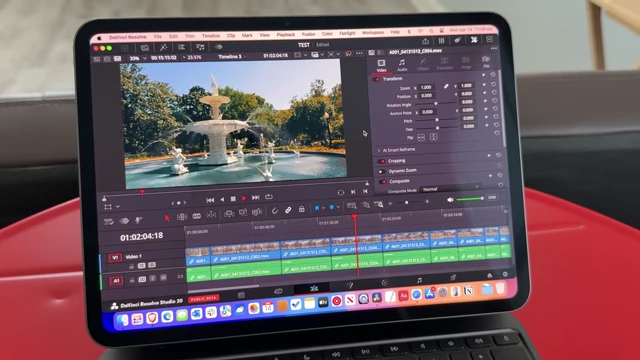
Advantages: Offers low latency and excellent color accuracy. [00:05:39]
DaVinci Resolve running on the iPad Pro, acting as a monitor for the Mac Mini via Sidecar.
[
00:05:41
]
Disadvantages & Workarounds:
Officially, Sidecar requires a physical monitor connected to the Mac for headless setups. [00:05:42]
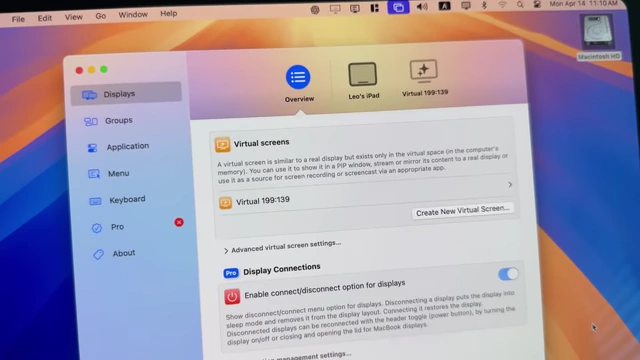
Workarounds exist online (e.g., virtual display settings, shortcuts) to bypass this, allowing the iPad to function as the sole display. [00:05:55]
A screenshot of display settings showing options for "Virtual screens" and "Enable connect/disconnect option for displays" to manage headless Sidecar connections.
[
00:06:04
]
The presenter's Mac Mini usually reconnects to his iPad automatically after sleep using this method. [00:06:11]
The iPad Pro displaying the macOS desktop, connected to the Mac Mini with an external mouse beside the Magic Keyboard.
[
00:06:14
]
When using Sidecar, the Magic Keyboard functions, but the trackpad does not, requiring a separate mouse. [00:07:08]
A hand using an external mouse while the iPad Pro displays the macOS desktop via Sidecar, with its Magic Keyboard attached but trackpad inactive.
[
00:07:13
]
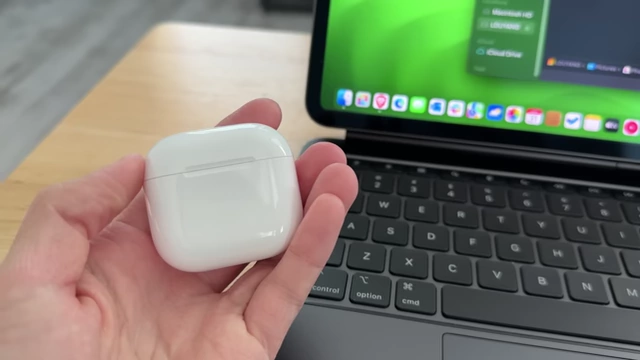
Audio does not transfer to the iPad, necessitating headphones or reliance on the Mac Mini's internal speaker. [00:07:52]
A pair of white Apple AirPods in their charging case, held in a hand.
[
00:07:58
]
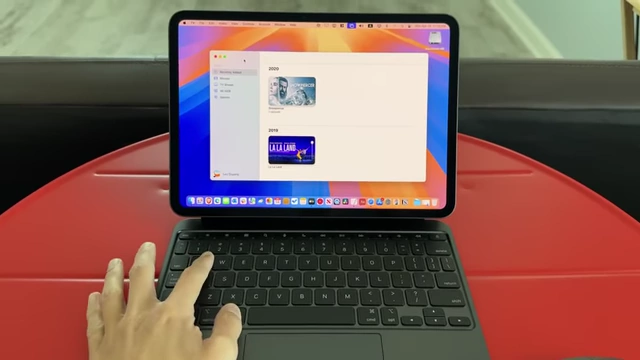
Some macOS keyboard shortcuts are not supported. [00:08:02]
A hand typing on the Magic Keyboard while the iPad Pro displays the macOS Music app via Sidecar.
[
00:08:07
]
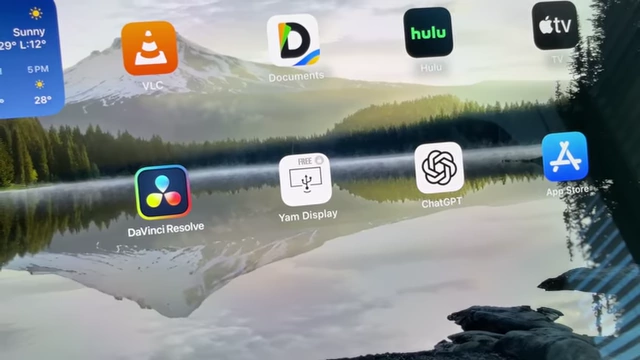
While third-party apps like Yam Display offer touch control and trackpad support, the presenter prefers Sidecar for its superior color accuracy and stable 60Hz wireless refresh rate. [00:07:17]
A close-up of the iPad screen showing various app icons, including "Yam Display".
[
00:07:30
]
Setup: Requires an inexpensive HDMI capture card (under $20) and an iPad app to display the HDMI video feed. [00:06:29]
A hand holding a small HDMI capture card.
[
00:06:31
]
The iPad Pro displaying the macOS desktop from the Mac Mini via an HDMI capture card, connected to the side.
[
00:06:37
]
Advantages: More straightforward and reliable to set up compared to headless Sidecar. [00:06:25]
Disadvantages:
Lower resolution and reduced color accuracy. [00:06:43]
Noticeably higher latency, making it less enjoyable for prolonged use. [00:06:49]
The Magic Keyboard and Apple Pencil do not work in this mode. [00:06:58]
A split-screen comparison showing the difference in display quality: "HDMI Capture Card (1080p Output)" on the left (lower clarity) and "Sidecar" on the right (higher clarity).
[
00:06:44
]
The iPad Pro displaying the macOS desktop from the Mac Mini via an HDMI capture card, with the Magic Keyboard attached.
[
00:07:05
]
The presenter is very satisfied with this hybrid setup. [00:08:17]
User Experience
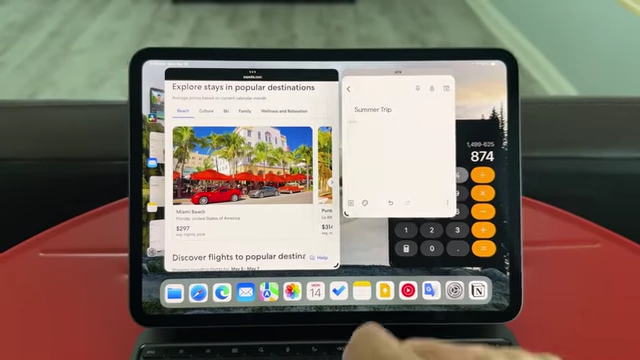
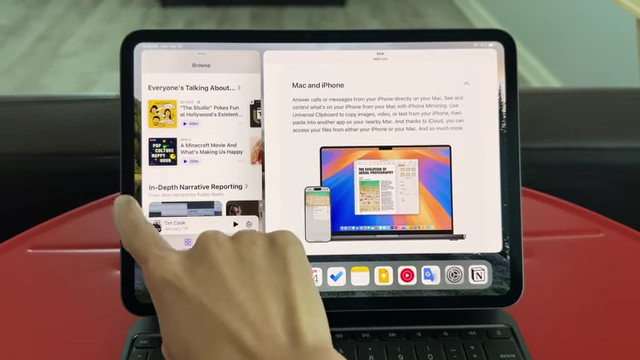
It feels more "fun" and relaxed to use the iPad, with its smooth animations and gestures, providing a pleasant change of pace from traditional macOS work. [00:08:20]
The iPad Pro using Stage Manager, with a hand performing a gesture to navigate between open application windows.
[
00:08:34
]
Portability
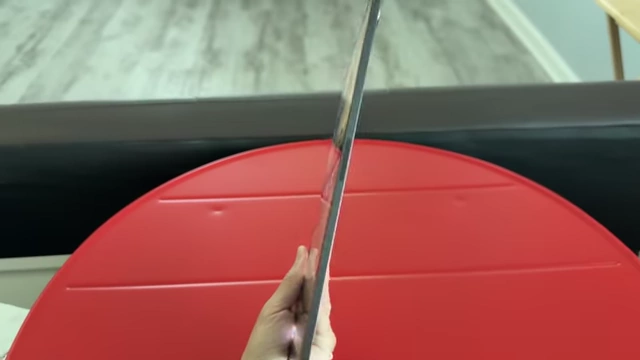
The iPad Pro with the Magic Keyboard remains highly portable, compact, and light, allowing it to be easily taken anywhere. [00:08:43]
Suitability and Alternatives
Acknowledges that this setup is not for everyone, as it's not the most cost-effective and requires workarounds. [00:09:00]
Recommends a MacBook Air for those seeking a simple, all-in-one machine. [00:09:08]
Personal Justification
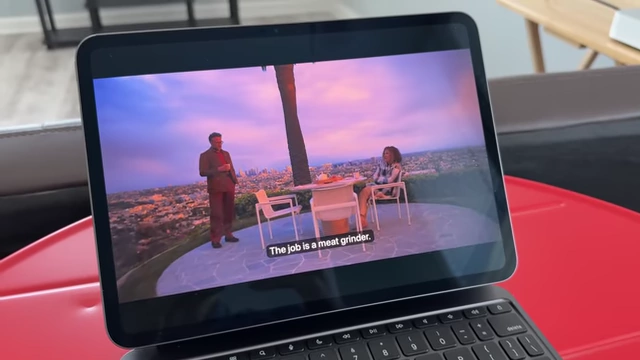
For the presenter, it's a fun experiment that offers the best of both macOS and iPadOS, combined with Apple's premium hardware, such as the iPad Pro's exceptional tandem OLED display. [00:09:15]
The iPad Pro displaying a video, showcasing its vibrant tandem OLED display.
[
00:09:32
]