How a Full-time YouTuber Films and Edits Videos: Gear, Software, and Workflow Explained
Summary:
This video details a full-time YouTuber's streamlined process for creating content, covering her essential gear, software, and efficient workflow.
- Camera Setup: Primarily uses the Sony ZV-E1 with a Sony 20mm 1.8 lens for in-office talking-head videos, valuing its full-frame sensor and vlogger-specific features like product showcase and skin blur.
- Secondary Cameras: Leverages a DJI Osmo Pocket 3 for B-roll and discreet filming, her iPhone for general use, and Meta Ray-Ban smart glasses for POV shots.
- Audio Equipment: Relies on DJI Mic Minis for their compact size and excellent audio quality, along with a Sony top-camera mic for vlogging.
- Editing Software: Edits exclusively in DaVinci Resolve, appreciating its time-saving features like automatic blank space removal.
- Idea Generation & Organization: Utilizes Poppy AI for video ideas and script inspiration, and Dropbox for structured file management (by year, month, and video title). ClickUp aids in content planning and scheduling.
- Efficient Workflow: Employs batch filming for multiple videos at once, changing outfits and scenery for variety, and captures thumbnail stills directly after filming to optimize time.
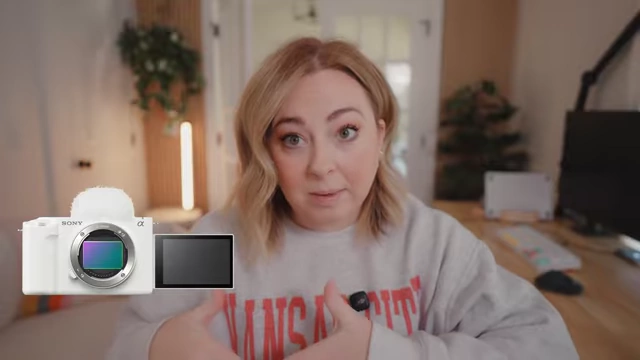
The Sony ZV-E1 camera, a top-of-the-line full-frame creator camera with a flip screen for easy vlogging. [ 00:02:30 ]
Introduction [00:00]
The speaker, a full-time YouTuber, shares her comprehensive process for filming and editing videos, which she manages herself despite having an employee who handles other business aspects. Her method focuses on efficiency and organization to consistently produce content.
The Gear [01:29]
The speaker, a self-proclaimed "gear head," outlines her primary and secondary equipment for filming high-quality YouTube videos.
- Main Camera: The Sony ZV-E1 [02:27]
- Used 99.9% of the time for in-office talking-head videos.
- Features a top-of-the-line full-frame sensor, similar to Sony's FX3 and A7S3 models.
- Includes vlogger-friendly features like quick product focusing and skin-blurring effects.
- Allows the use of the same full-frame lenses across all her Sony cameras.
The Sony ZV-E1 camera, a top-of-the-line full-frame creator camera with a flip screen for easy vlogging. [ 00:02:30 ]
- Primary Lens: Sony 20mm 1.8 [03:15]
- Delivers a shallow depth of field, creating a beautifully blurred background.
- Offers a wide-angle view, preventing the need to hold the camera too close when vlogging.
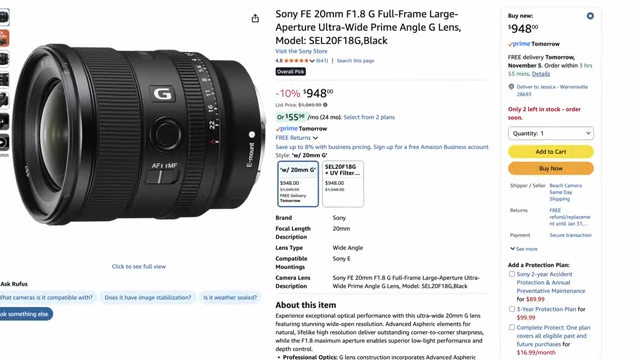
Amazon listing for the Sony FE 20mm F1.8 G Full-Frame Large-Aperture Ultra-Wide Prime G Lens. [ 00:03:22 ] 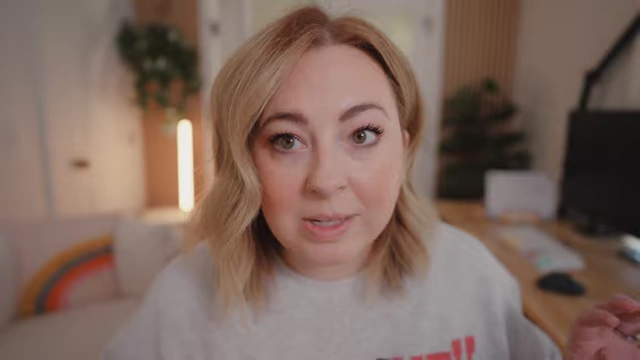
The speaker demonstrates the shallow depth of field and wide-angle view of her Sony 20mm 1.8 lens. [ 00:03:25 ]
- Secondary Lens: 16-35mm 2.8 [03:41]
- A larger and heavier lens, generally not used all the time.
- Provides a less blurry background compared to the 1.8 lens.
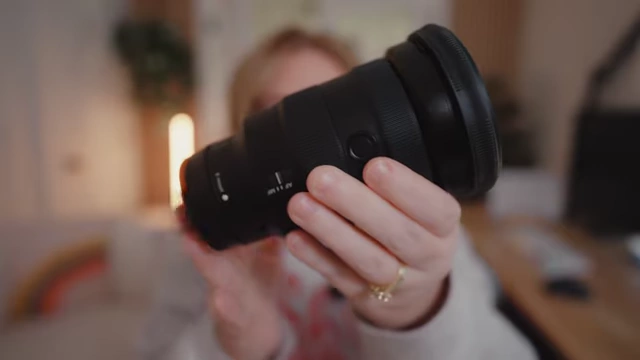
The speaker holds up her large and heavy Sony 16-35mm 2.8 lens. [ 00:03:50 ]
- Secondary Cameras:
- DJI Osmo Pocket 3 [04:09]
- Ideal for capturing B-roll, behind-the-scenes footage, and discreet public filming.
- Useful for achieving unique angles, especially with magnetic puck attachments.

The speaker holds the compact DJI Osmo Pocket 3, highlighting its small size for versatile filming. [ 00:04:15 ]
- iPhone [04:30]
- Used regularly for general video recording.
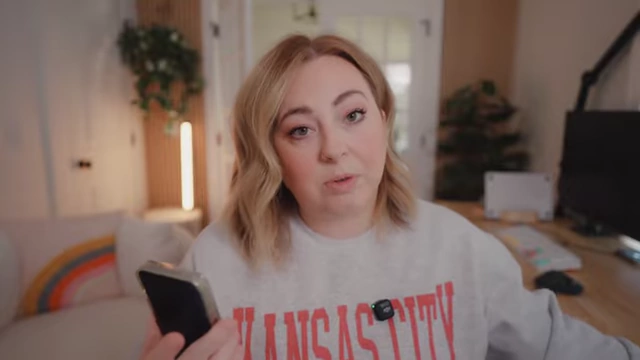
The speaker holds her iPhone, a common tool for everyday video capture. [ 00:04:35 ]
- Used regularly for general video recording.
- Meta Ray-Bans [04:41]
- Utilized for hands-free, first-person perspective footage, particularly for behind-the-scenes content or when hands are occupied.
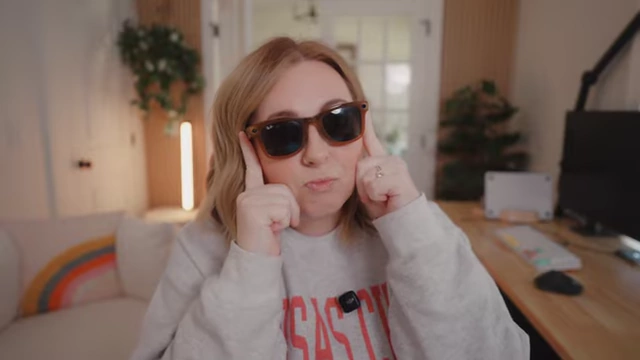
The speaker wears Meta Ray-Ban smart glasses, demonstrating their hands-free video recording capability. [ 00:04:50 ]
- Utilized for hands-free, first-person perspective footage, particularly for behind-the-scenes content or when hands are occupied.
- DJI Osmo Pocket 3 [04:09]
- Microphones:
- DJI Mic Minis [05:08]
- Preferred for their compact size while maintaining excellent audio quality.
- Contrasted with the larger DJI Mic 2 for size comparison.
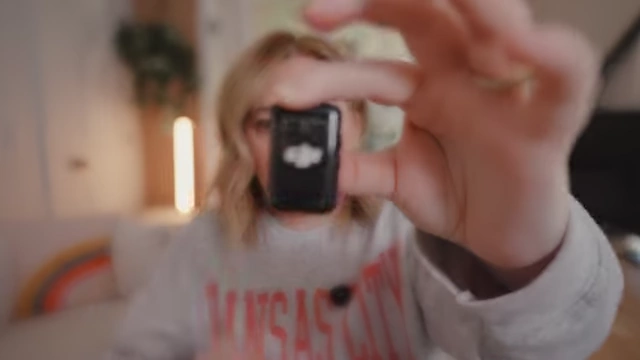
The speaker displays the tiny DJI Mic Mini, emphasizing its small form factor. [ 00:05:24 ]
- Sony Top-Camera Mic (ECM-M1) [06:01]
- Provides high-quality sound for a hot shoe-activated, cable-free microphone.
- Automatically powered by the camera, making it convenient for vlogging.
- Notes a newer model with split-track audio capabilities (forward/backward audio).
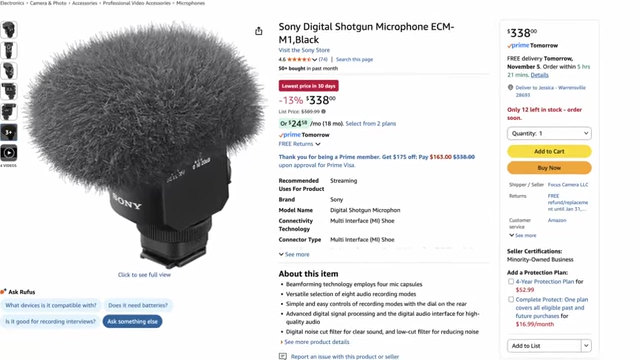
An Amazon listing for the Sony Digital Shotgun Microphone ECM-M1. [ 00:06:09 ]
- DJI Mic Minis [05:08]
The Software [06:55]
The speaker discusses the essential software tools she uses for editing and content ideation.
- Video Editing Software: DaVinci Resolve [07:00]
- Recently switched to DaVinci Resolve from Final Cut Pro (and previously Premiere Pro).
- Expresses strong preference for DaVinci Resolve, highlighting its time-saving features.
- Mentions an AI feature that automatically cuts out blank spaces in the footage, significantly speeding up the editing process.
- Content Ideation Software: Poppy AI [07:46]
- Uses Poppy AI to generate video ideas and scripts.
- The tool can take existing videos (her own successful ones or those from other creators) as reference points to suggest new content ideas tailored to her channel.
- It can be trained with specific channel information or used to generate ideas based solely on provided video references.
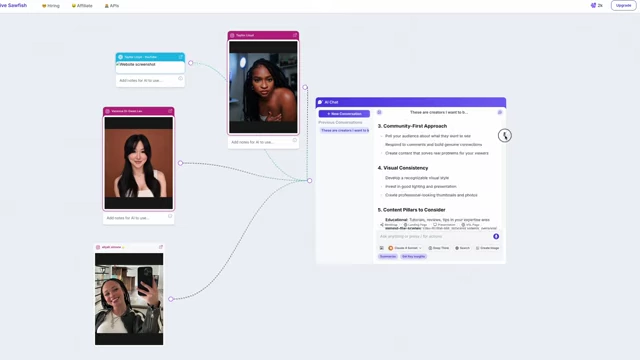
The Poppy AI interface showing how it takes video references and generates content ideas or scripts. [ 00:08:24 ]
- File Management: Dropbox [09:31]
- Uses Dropbox to organize all raw footage and related files.
- Files are structured into folders by year, then month, then individual video titles.
- Editing is done directly from files stored in Dropbox, avoiding reliance on SD cards.
- This system ensures organization and prevents data loss.
- Mentions that external hard drives (SSDs) are sometimes used when traveling or when Dropbox uploads are slow.
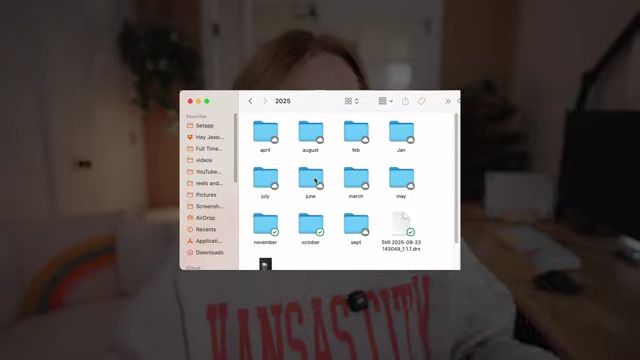
A screenshot showing the speaker's Dropbox folder structure by year. [ 00:09:54 ] 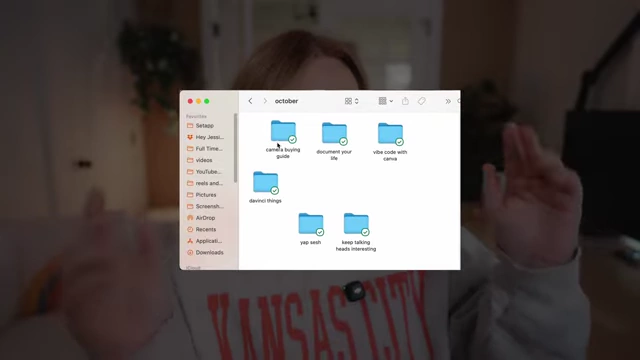
A screenshot showing the speaker's Dropbox folder structure by month with individual video folders. [ 00:09:56 ]
The Process [10:59]
The speaker details her efficient workflow, from planning to final editing and thumbnail creation.
- Content Planning: ClickUp [11:29]
- Uses ClickUp to manage video ideas, publishing dates, and notes for each video.
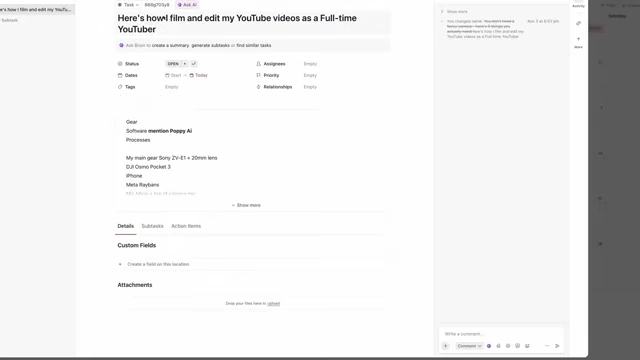
A screenshot of the ClickUp interface used for managing video ideas, publishing dates, and notes. [ 00:11:33 ]
- Uses ClickUp to manage video ideas, publishing dates, and notes for each video.
- Filming Strategy: Batch Filming [11:40]
- Films multiple videos (typically 2-4) in one session, especially for talking-head content.
- This maximizes efficiency since she is already prepared with hair, makeup, and studio setup.
- Changes shirts and subtly alters scenery to give the impression of different filming days.
- Also records YouTube Shorts during these filming sessions to further leverage her prepared state.
- Post-Filming Steps:
- File Transfer: Immediately transfers all footage from SD cards and separate mic files into their designated Dropbox folders.
- Editing Workflow: Edits videos in chronological order (the order they were filmed).
- Time-Saving Editing: Leverages DaVinci Resolve's shortcuts and features, such as automatic blank space removal, to accelerate the editing process.
- Thumbnail Creation: Captures thumbnail stills immediately after filming a video.
- She keeps the camera recording and poses for several seconds, then extracts the best still frame during editing.
- This ensures the thumbnail matches the video's look and content, and saves time by doing it while already in "filming mode."
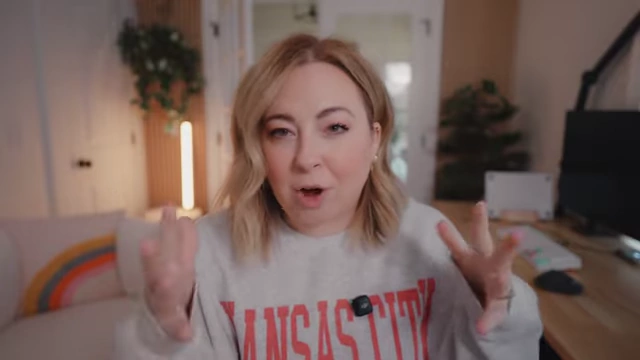
The speaker demonstrates posing for a video thumbnail immediately after filming the main content. [ 00:13:53 ]