Implementing Systems and Workflows for Consistent Full-Time Content Creation
Summary:
This video emphasizes that becoming a consistent full-time creator relies on building robust systems rather than sporadic motivation. The creator outlines a systematic approach covering several key stages:
- Planning: Dedicate specific days to brainstorm and generate content ideas for both long-form and short-form videos, leveraging AI tools like ChatGPT or Claude for outlines and variations. Always maintain a large pool of ideas.
- Content Calendar: Establish a detailed schedule for production, editing, and revision days, setting personal deadlines to ensure accountability and consistent uploads.
- Production Systems: Eliminate friction points by creating a ready-made shooting setup (like a dedicated studio) and being familiar with your gear and locations. This streamlines the filming process, allowing focus on creativity.
- Editing Flow: Optimize post-production by reusing project templates and sequences in editing software, ensuring a consistent brand image and saving time on repetitive tasks like searching for sound effects or fonts.
- Content Maximization: Learn to repurpose content by capturing Behind-The-Scenes (BTS) footage during shoots using tools like 360 cameras or smart glasses. This single shoot can yield multiple short-form and long-form videos, maximizing output from minimal effort.
These systems ensure continuous output, fostering growth and momentum for creators.
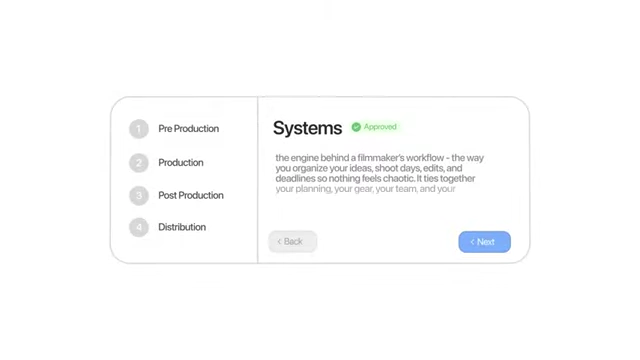
Overview of the Creator's Systems [ 00:17:26 ]
Introduction [00:00:00]
- The creator emphasizes that this year has been their most consistent as a full-time creator, posting weekly videos and almost daily reels for years.
- Consistency is vital for growth on social media platforms.
- Consistency also benefits a freelance creative career.
- The key to consistency is not relying on motivation, which can be sporadic.
- Instead, building reliable systems provides a set structure and something to fall back on week after week.
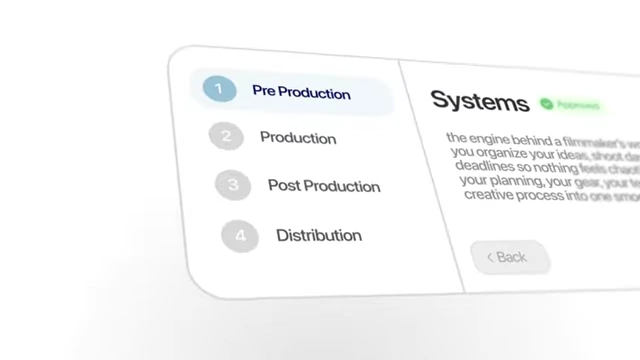
Overview of the content creation workflow systems: Pre Production, Production, Post Production, and Distribution. [ 00:00:57 ]
- Instead, building reliable systems provides a set structure and something to fall back on week after week.
Planning [01:13]
- Pre-production, or the planning phase, is the most crucial aspect for creating content in bulk, being productive, and consistent.
- Planning helps streamline the entire process, from ideation to editing, making it much easier to piece together a coherent story.
- For long-form content, planning 4 to 6 videos in advance is essential for weekly posting.
- For short-form content, planning the general flow or grand idea before filming or editing is also important.
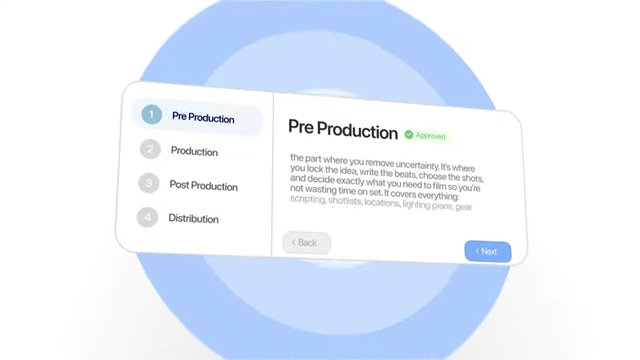
A visual representation outlining the steps in Pre Production, emphasizing removal of uncertainty through scripting, shotlists, locations, lighting plans, and gear. [ 00:01:14 ] - Generating Ideas [00:02:40]
- The creator uses notebooks to jot down ideas whenever they come.
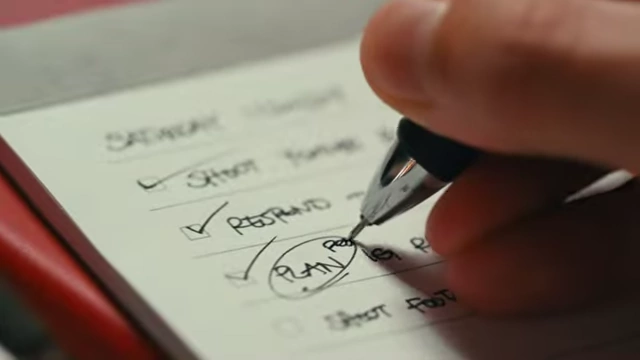
A hand writing on a small notepad with a checklist, circling "PLAN". [ 00:02:04 ] - Dedicated planning days (sometimes twice a month) are set aside to sit down for an hour or two and brainstorm ideas for both long-form and short-form content.
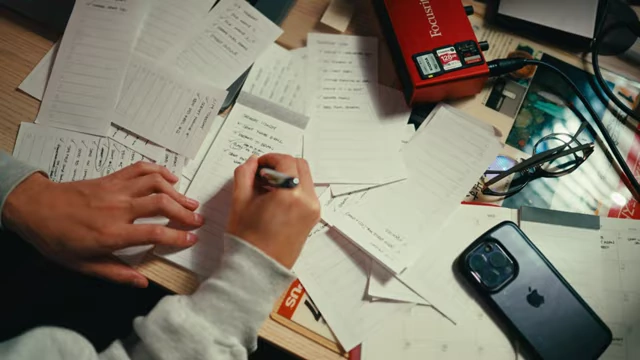
An overhead shot of a desk cluttered with notes and a phone, showing the brainstorming process. [ 00:02:13 ] 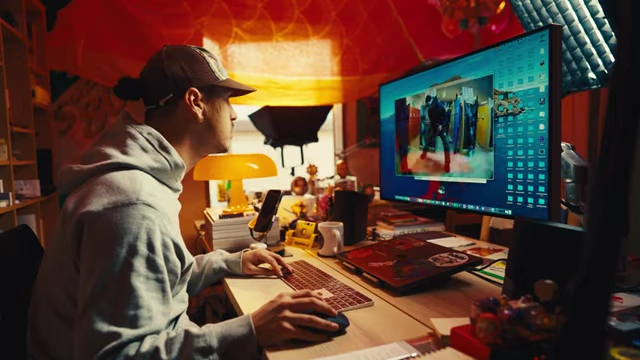
The creator actively brainstorming ideas at their desk. [ 00:02:49 ] - This creates a pool of ideas to draw from, avoiding the need to force creativity on the spot.
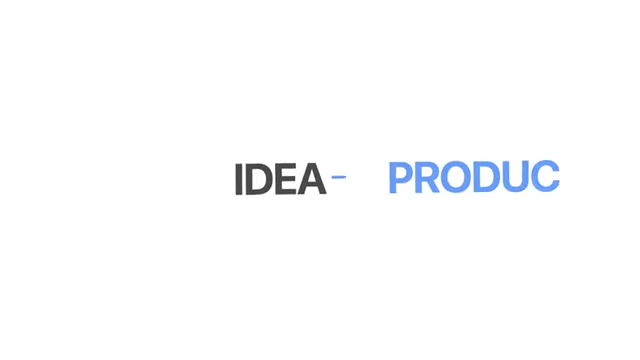
A simple diagram illustrating the flow from "IDEA" to "PRODUCTION". [ 00:02:32 ] - Maintaining an Idea Pool [00:04:51]
- The creator aims to have around 50 short-form content ideas and 15-20 long-form YouTube ideas (titles with rough outlines) saved at all times.
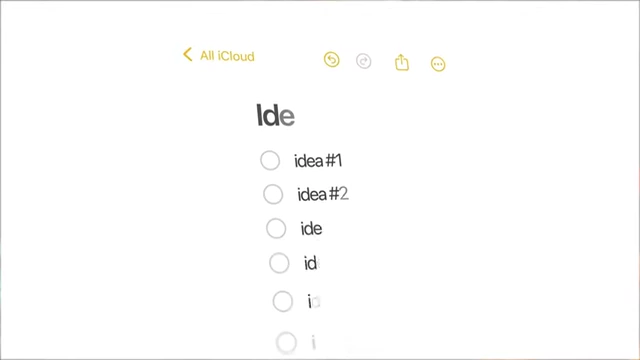
A notes app showing a list of general content ideas. [ 00:05:02 ]
- The creator aims to have around 50 short-form content ideas and 15-20 long-form YouTube ideas (titles with rough outlines) saved at all times.
- The creator uses notebooks to jot down ideas whenever they come.
- Using AI for Brainstorming [00:03:23]
- Tools like ChatGPT or Claude AI are used as brainstorming partners.
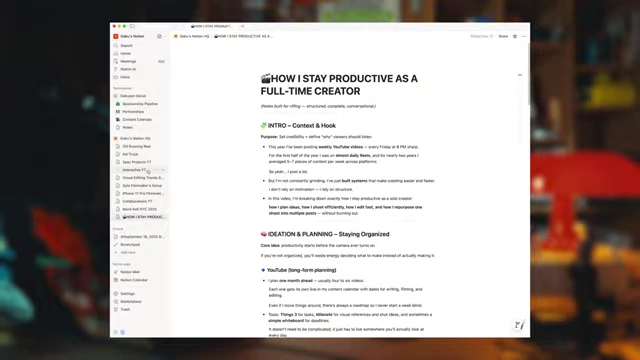
A Notion document outlining a content plan, demonstrating how AI can help structure ideas and scripts. [ 00:03:41 ] - Information such as past content, niche, and general ideas are fed to the AI.
- The AI can generate variations of content ideas (e.g., 10 variations) or brainstorming outlines (e.g., 3 different outlines).
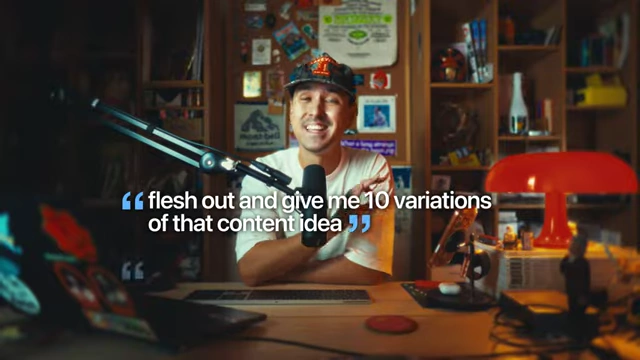
An on-screen text overlay with the quote: "flesh out and give me 10 variations of that content idea". [ 00:04:03 ] - This process amplifies creativity, streamlines thoughts into bullet points and scripts, and clarifies the beginning, middle, and end of content ideas, saving significant time.
- Tools like ChatGPT or Claude AI are used as brainstorming partners.
Content Calendar [05:21]
- Creating and adhering to a schedule is crucial, especially when motivation is low.
- This schedule serves as a system to lean upon.
- YouTube Content Schedule [00:05:32]
- Plan YouTube content at least one month in advance.
- Log specific production days (filming A-roll/B-roll), editing days, and revision days in the calendar.
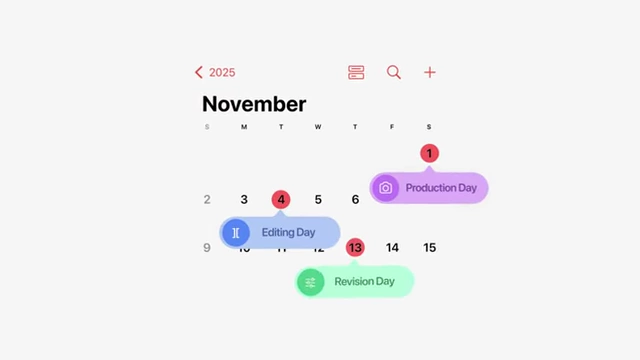
A calendar view showing specific dates allocated for "Production Day," "Editing Day," and "Revision Day." [ 00:05:50 ] - Setting personal deadlines is vital for self-accountability, as a solo creator has no one else to enforce them.
- Short-Form Content Schedule [00:06:12]
- Have an idea of what to post at least two weeks in advance.
- This minimum schedule ensures consistent output, with flexibility to create more if time allows.
- Calendar Tools [00:06:35]
- Various tools can be used, including Google Calendar, Notion, or physical calendars.
- The goal is to visually plan and track your schedule to avoid "raw dogging" everything on the fly.
Production Systems [08:07]
- The primary goal in production is to remove friction points and streamline the filming process.
- This makes filming almost second nature, requiring minimal thought about setup.
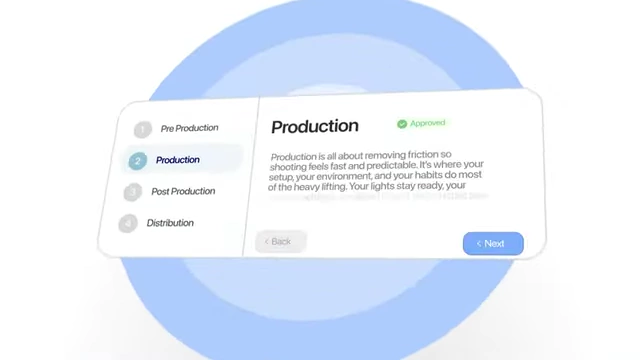
A visual representation outlining the Production phase, focusing on removing friction to make shooting predictable and efficient. [ 00:08:08 ]
- This makes filming almost second nature, requiring minimal thought about setup.
- Ready-Made Studio Setup [00:08:34]
- For content filmed in a consistent location, having a permanent, ready-made setup is highly beneficial.
- The creator's studio has a microphone always ready, a simple one-light source, and the camera setup for quick recording within minutes.
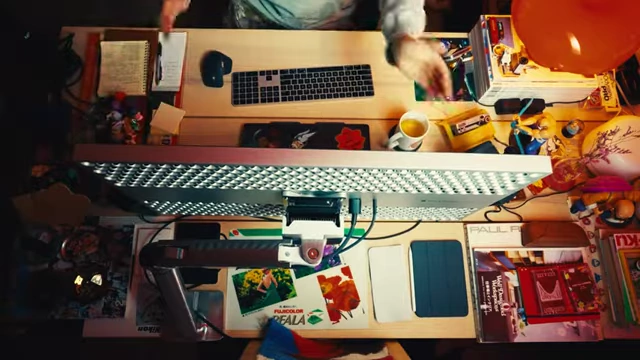
An overhead shot of the creator's desk, showcasing an organized setup with monitor, keyboard, mouse, and other tools, ready for recording. [ 00:08:48 ] - Without this, time would be wasted figuring out angles, lighting, and audio, adding stress and deterring shooting.
- Streamlining Gear and Knowing Locations [00:09:19]
- For on-the-go content (e.g., short-form reels), streamline gear choices, using only one or two familiar lenses and microphones.
- Knowing locations beforehand, either from past experience or by surveying new areas, ensures efficiency.
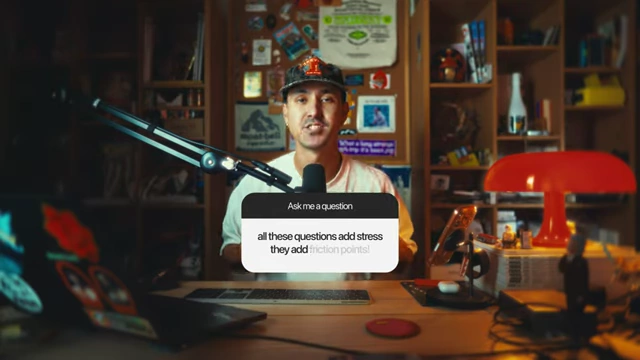
An on-screen text overlay stating: "all these questions add stress, they add friction points!" highlighting the importance of preparation. [ 00:09:38 ] - These pre-production efforts remove questions and decision fatigue, allowing the creator to focus solely on the creative part and execution.
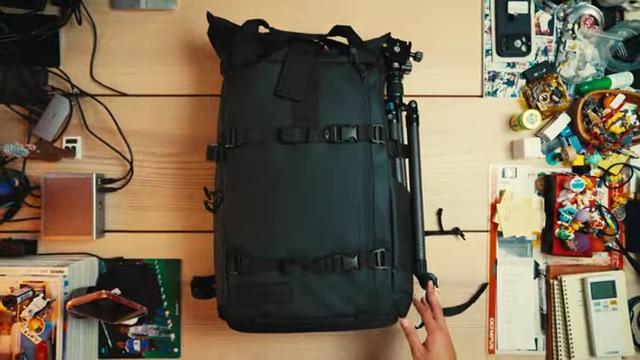
A camera backpack and accessories neatly arranged on a table, illustrating organized gear. [ 00:17:10 ]
- Shot Lists [00:10:57]
- In the pre-production phase, determine exactly what shots are needed.
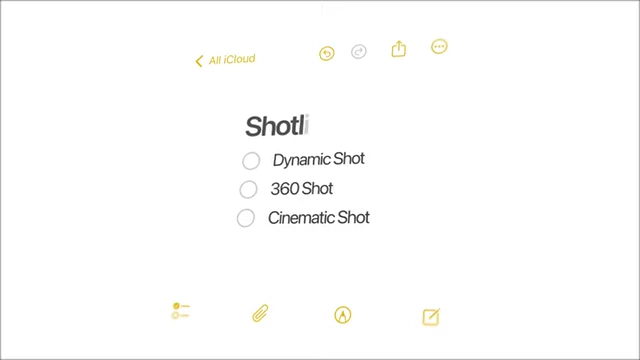
A notes app with a checklist titled "Shotlist," including "Dynamic Shot," "360 Shot," and "Cinematic Shot." [ 00:11:02 ] - This allows for checking off required shots during production, ensuring everything is captured efficiently.
- In the pre-production phase, determine exactly what shots are needed.
- By having all these elements (setting, environment, gear, shot list) prepared, the production phase flows seamlessly, and the creator can focus on getting the shots quickly.
Editing Flow [11:48]
- The key to consistent editing is having sequences and projects of similar content styles that can be reused.
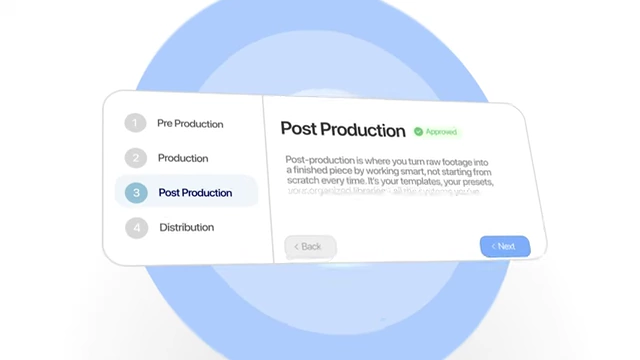
A visual representation outlining the Post Production phase, emphasizing working smart with templates, presets, and organized libraries. [ 00:11:50 ] - Reusing Sequences and Projects [00:11:57]
- When starting a new YouTube video, open a previous, similar project.
- This provides immediate access to previously used sound effects for transitions, adjustment layers, and text.
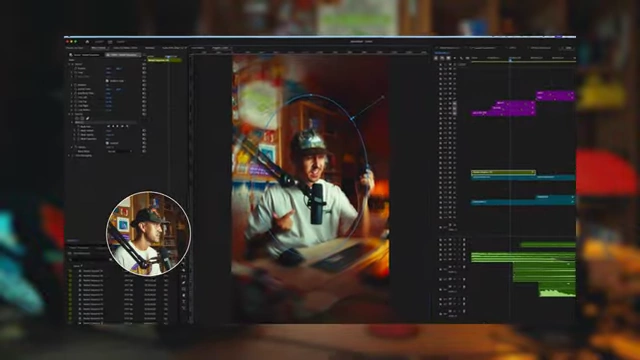
A screenshot of Adobe Premiere Pro's editing timeline, with the creator's face visible in a small window, showing a complex video project. [ 00:12:07 ] - Elements can be quickly migrated, and new content built around existing assets, saving time searching through folders.
- Benefits for Brand Image and Efficiency [00:12:44]
- This "lazy" way of editing builds consistency, repetition, and a distinct brand image.
- Using the same sound effects, fonts, or music creates an instantly recognizable attribute for the channel or creator.
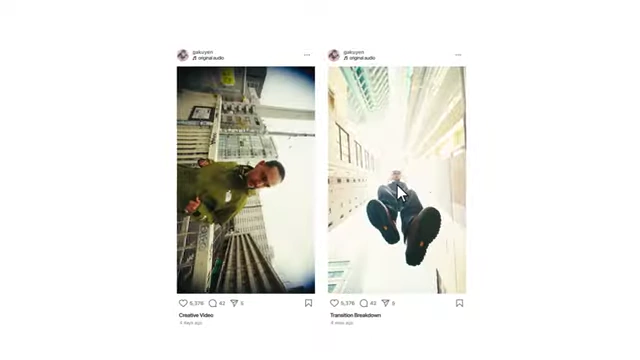
Two Instagram posts side-by-side, showcasing a "Creative Video" and a "Transition Breakdown" from the same shoot. [ 00:15:25 ] - Consistent lighting or transition styles also contribute to brand recognition.
- Organized Folders [00:13:20]
- For those using other editing software, maintaining highly organized folders allows for quick drag-and-drop of files.
- Eliminating search time is crucial for speeding up the editing process and creating seamless edits.
Content Repurposing and Maximization [13:43]
- The creator focuses on maximizing the amount of content produced from a single shoot.
- This involves creating various repeatable content styles around one specific filming session.
- Capturing Behind-The-Scenes (BTS) Content [00:14:24]
- Always aim to capture as much BTS footage as possible.
- If working with others, ask them to film iPhone clips or act as a second shooter.
- For solo creators:
- Utilize tools like Ray-Ban Meta AI glasses for point-of-view (POV) footage.

Close-up of Ray-Ban Meta AI smart glasses, which can capture point-of-view footage. [ 00:14:47 ] - Employ 360 cameras on shoulder straps to continuously record the entire shoot, allowing for reframing and selecting various angles later.
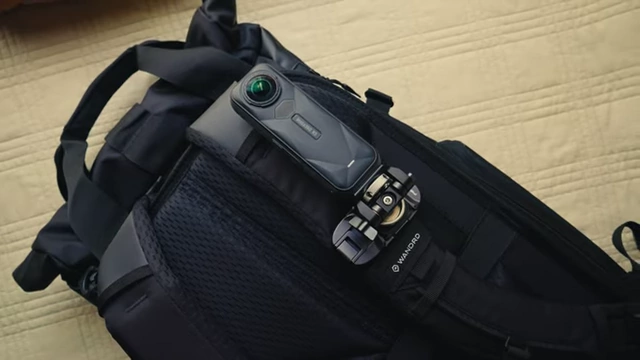
A 360-degree camera mounted on a backpack strap, ready for hands-free recording. [ 00:14:57 ] 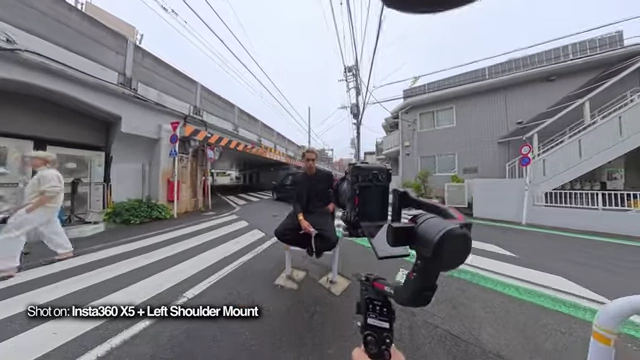
A shot from a 360-degree camera showing the creator filming a subject, capturing the entire environment. [ 00:15:06 ]
- Utilize tools like Ray-Ban Meta AI glasses for point-of-view (POV) footage.
- Multitude of Content from One Shoot [00:15:11]
- A single hour of shooting can yield 5-7 short-form videos and a long-form video, plus additional BTS clips for future content.
- Examples of content types generated from one shoot:
- The main creative video.
- Transition breakdowns of specific sequences.
- Audio/sound effects breakdowns of portions of the video.
- Before-and-after sequences for color grading or transition styles.
- Long-form videos detailing the BTS process, thought process, planning, execution, and editing of the project.
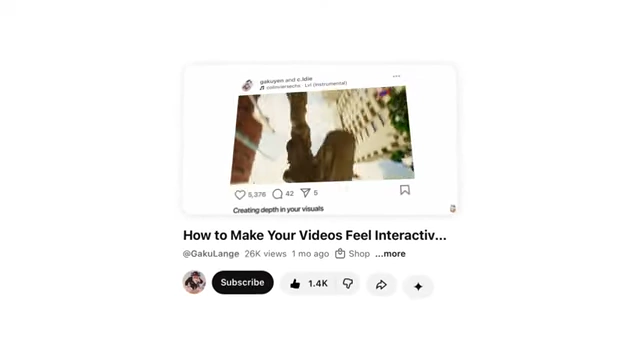
A YouTube video thumbnail and title: "How to Make Your Videos Feel Interactive with Depth" demonstrating a BTS breakdown of a creative concept. [ 00:15:43 ] - Discussions about the gear used, production planning, or editing techniques.
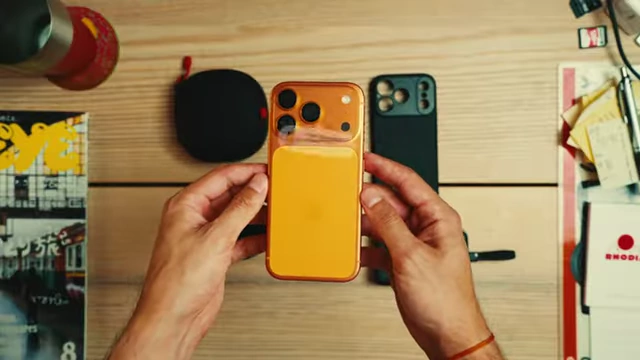
Two iPhone cases, one with a unique camera bump, being held up to discuss gear choices. [ 00:16:54 ] 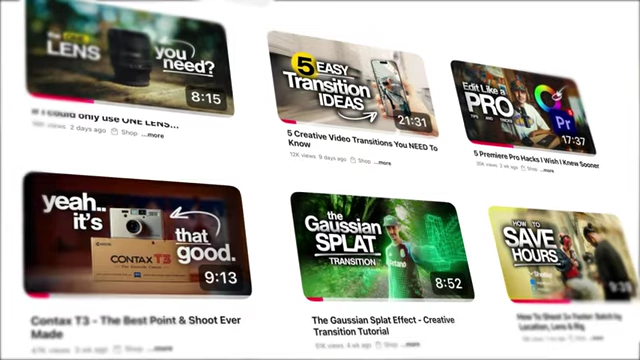
A grid of YouTube video thumbnails, showcasing diverse content types from camera reviews to transition tutorials. [ 00:16:22 ] 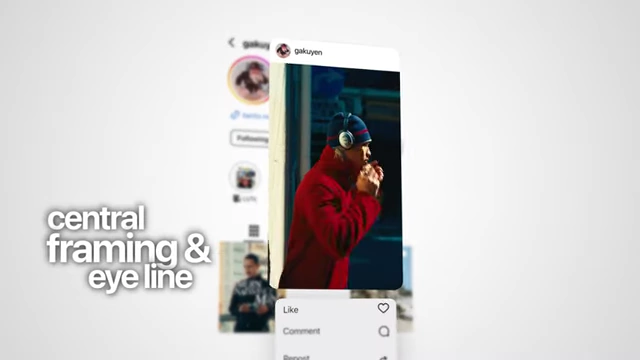
An Instagram post displaying a visual tip on "central framing & eye line" as a repurposed piece of content. [ 00:16:27 ]
- This strategy minimizes legwork, allows for fresh content, and is a key factor in creating a large volume of content efficiently.
- The core idea is to maximize the footage and concepts from limited production time through reusing, revitalizing, and re-editing.
Key Takeaways [17:17]
- Being a consistent full-time creator is about strategic systems and processes, not constant filming.
- The creator's system relies on:
- Planning ideas in advance to avoid guessing during production.
- Keeping the workspace and gear ready to remove friction.
- Reusing and tweaking templates and content styles.
- Multiplying production days in the edit to maximize results.
A diagram summarizing the "Systems" workflow, highlighting Pre Production, Production, Post Production, and Distribution as the engine behind a filmmaker's workflow. [ 00:17:26 ]
- While the quality vs. quantity debate exists, the creator believes that consistent production leads to incremental and exponential improvement.
- Consistency builds growth and momentum, and it's challenging to regain once lost.
- Finding a rhythm and sticking to it yields significant results over time, as evidenced by the creator's YouTube growth.